

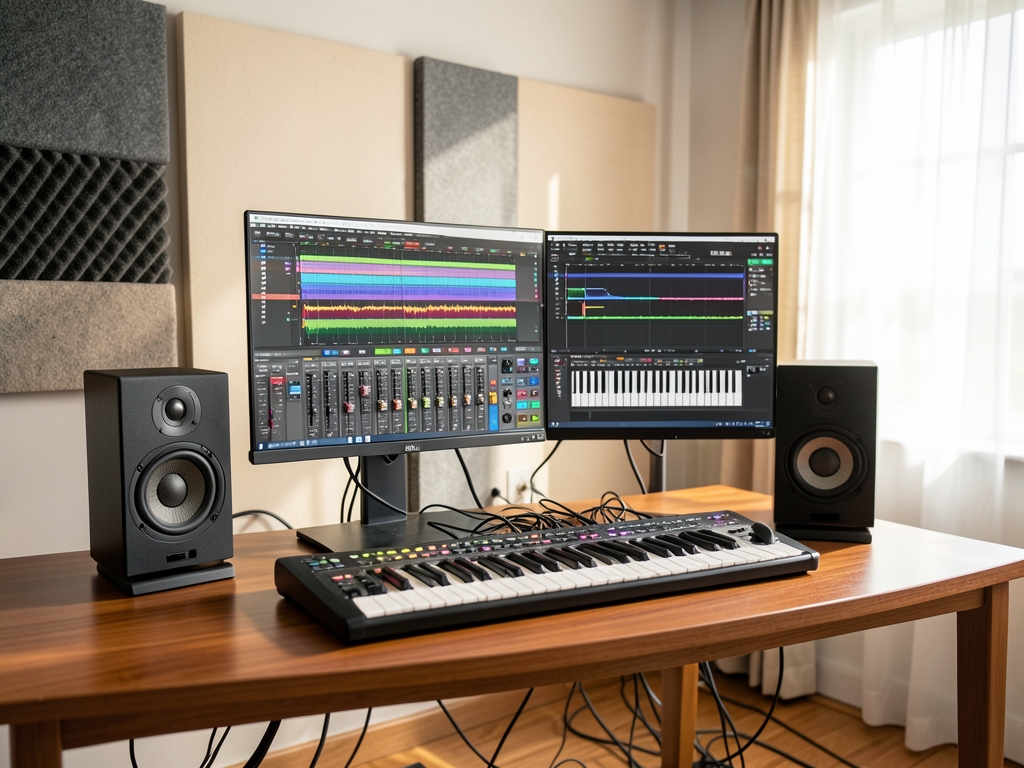
For musicians, producers, and audio engineers seeking a capable digital audio workstation without the heavy subscription fees or restrictive licensing models, finding a reliable tool has historically meant navigating a compromise between limited free tiers and expensive professional software suites. Morningdew Media has addressed this demand with the official release of MorningDAW, a fully functional and completely free digital audio workstation designed to support macOS, Windows, and Linux operating systems. This comprehensive release brings professional-grade multitrack recording, MIDI sequencing, and mixing capabilities directly to creators across all major desktop platforms without upfront costs or hidden paywalls.
Whether you are setting up a home studio for the first time or looking for a lightweight, cross-platform companion to your existing production workflow, MorningDAW offers an accessible entry point into modern computer-based music creation. Below is an in-depth look at what the software includes, how to verify your system compatibility, and the official procedure to download and install MorningDAW safely on your computer.
Download MorningDAWUnderstanding MorningDAW and Its Core Audio Architecture
MorningDAW is engineered from the ground up to provide a stable, efficient environment for recording, editing, mixing, and exporting audio projects. Unlike many introductory applications that restrict track counts or disable export functions, this release provides full functional access across supported desktop operating systems. The software utilizes a streamlined audio engine optimized for low-latency performance, making it suitable for live instrument tracking, virtual studio technology (VST) instrument hosting, and complex mixing sessions.
The user interface adopts a modular layout that balances traditional multitrack timeline viewing with customizable mixing consoles. Producers can arrange audio clips, manipulate MIDI data through a dedicated piano roll editor, and apply real-time audio effects directly to individual tracks or master buses. Because the development team prioritized cross-platform stability, projects initiated on a Windows workstation can be transferred and opened on macOS or Linux environments with minimal friction, supporting collaborative workflows across diverse hardware setups.
Key Features and Production Tools
MorningDAW includes a comprehensive suite of tools designed to handle everything from simple podcast editing to intricate multi-instrumental music composition. Understanding these built-in features helps users maximize the software's capabilities from day one.
- Multitrack Recording and Editing: Record simultaneous audio inputs with pristine fidelity. The non-destructive editing environment allows users to slice, fade, time-stretch, and pitch-shift audio clips effortlessly.
- Advanced MIDI Sequencing: Compose melodies and drum patterns using external hardware controllers or the built-in piano roll editor, complete with velocity mapping, quantization tools, and CC automation lanes.
- Virtual Instrument Hosting: Load third-party VST and AU plugins to expand your sonic palette with professional synthesizers, samplers, and acoustic instrument libraries.
- Flexible Mixing Console: Route signals flexibly using sub-groups, auxiliary send effects, and custom insert chains, giving producers complete control over spatial imaging and dynamic balance.
Info! MorningDAW supports standard audio driver protocols including ASIO on Windows and CoreAudio on macOS, ensuring ultra-low latency monitoring when recording live instruments and vocals.
System Requirements and Platform Compatibility
Before initiating your download, verifying that your computer meets the necessary hardware and operating system specifications is essential for optimal performance. MorningDAW is optimized to run efficiently on both modern high-end workstations and modest laptop configurations.
| Operating System | Minimum Processor | RAM Required | Storage Space |
|---|---|---|---|
| Windows 10 / 11 (64-bit) | Intel Core i3 or AMD Ryzen 3 | 4 GB RAM (8 GB Recommended) | 500 MB Free Disk Space |
| macOS (Intel and Apple Silicon) | Apple M-Series or Intel Core i5 | 4 GB RAM (8 GB Recommended) | 500 MB Free Disk Space |
| Linux (Major 64-bit Distributions) | Multi-core 64-bit Processor | 4 GB RAM (8 GB Recommended) | 500 MB Free Disk Space |
Users running Linux distributions should ensure their system has appropriate audio server packages installed, such as ALSA or JACK, to achieve optimal hardware communication and low-latency performance during intensive audio playback sessions.
How to Download and Install MorningDAW Safely
Acquiring software safely requires downloading directly from verified official distribution channels to protect your system against modified installers, adware, or corrupted files. Follow these steps to get MorningDAW installed on your computer:
- Navigate to the official source distribution page or developer portal hosting the verified release package.
- Select the appropriate installer version corresponding to your computer's operating system (Windows installer, macOS disk image, or Linux package format).
- Download the installation archive to your local drive and verify its digital integrity if checksums are provided by the developers.
- Launch the installer executable and follow the on-screen setup wizard instructions, choosing your preferred destination directory and audio plugin folder pathways.
- Open MorningDAW for the first time, configure your audio hardware interface settings in the preferences menu, and begin creating your first project.
Warning! Always avoid downloading executable setup files from unofficial third-party file-sharing forums, as these mirrors frequently bundle unwanted software or outdated program binaries.
Expanding Your Setup with Plugins and Effects
One of MorningDAW's greatest strengths is its open architecture for third-party audio plugins. While the software ships with a selection of utility effects and basic mixing tools, producers can dramatically expand their creative potential by integrating external virtual studio technology plugins. When installing new plugins, ensure they match your operating system architecture and are placed within the designated plugin directories scanned by MorningDAW upon startup.
Is MorningDAW completely free to use for commercial projects?
Yes, MorningDAW is distributed as completely free software without licensing fees, making it accessible for both personal and commercial music production endeavors.
Does MorningDAW support VST and AU plugins?
Yes, the workstation includes robust support for third-party virtual studio technology (VST) and Audio Units (AU) plugins, allowing you to use your favorite software instruments and effects.
Can I use MorningDAW on older computer hardware?
MorningDAW is designed with a lightweight architecture that performs well on modest hardware configurations, though having at least 4 GB of RAM and a multi-core processor is recommended.
Where can I find official updates and community support?
Official software updates, patch notes, and community forums can be accessed directly through the developer's official website and verified distribution channels.
Conclusion
MorningDAW represents a valuable addition to the landscape of free music production software, offering cross-platform flexibility, essential recording tools, and plugin compatibility without financial barriers. By following official download channels and ensuring your system meets the recommended hardware specifications, you can establish a reliable, professional-grade audio workstation environment on Windows, macOS, or Linux. Whether you are composing your first instrumental track or expanding your mobile recording rig, MorningDAW provides an efficient and open platform for all your creative audio needs.
