

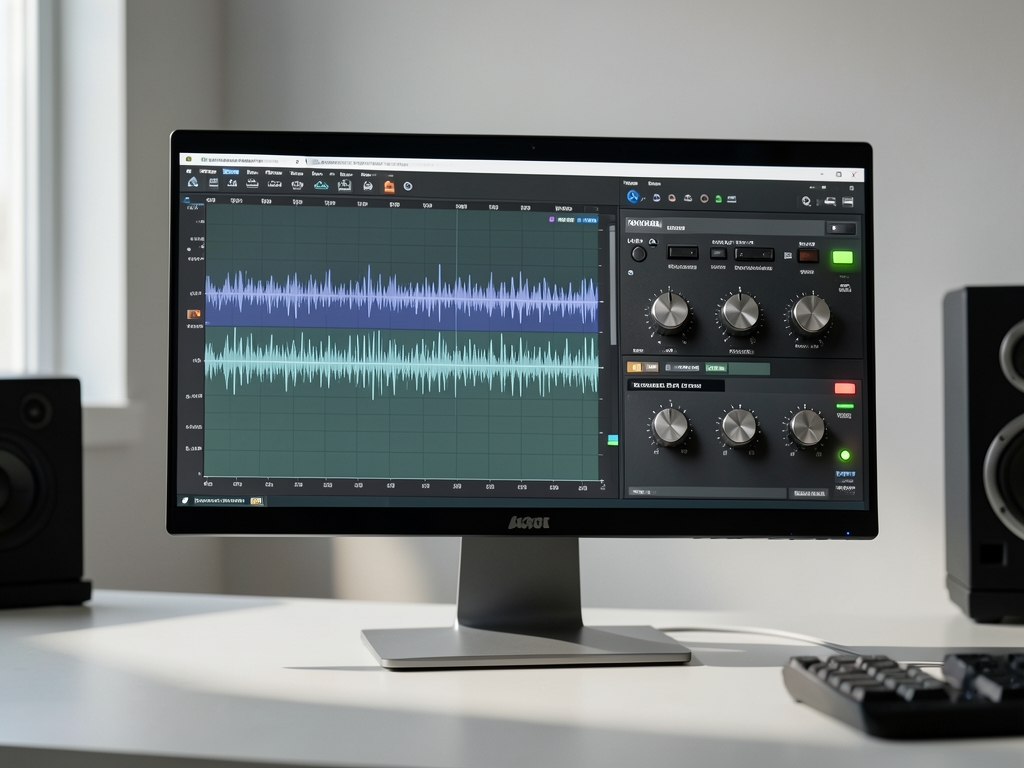
Music production relies heavily on creative effects to add movement, tension, and unique character to audio tracks. Among the various modulation tools available to modern producers, the tape stop effect remains a timeless favorite for creating dramatic pitch-down slowdowns that mimic a hardware tape machine coming to a halt. The recent release of simpleTapeStop provides producers with a streamlined, zero-cost solution designed to deliver these classic mechanical slowdowns across multiple major operating systems. Whether working on electronic music, hip-hop beats, or experimental sound design, having access to reliable and lightweight modulation effects can significantly enhance workflow efficiency and creative expression.
Developed to meet the demands of both bedroom producers and professional mixing engineers, this dedicated audio utility focuses entirely on delivering pristine slowdown processing without unnecessary complexity or resource-heavy graphical interfaces. As modern digital audio workstations continue to evolve, lightweight utility plugins that perform specific tasks with high audio fidelity have become essential components of a well-organized virtual studio technology collection. This comprehensive guide explores the core features of simpleTapeStop, system compatibility across platforms, practical creative applications, and step-by-step instructions for obtaining and installing the software safely from official sources.
Understanding the Tape Stop Effect in Modern Music Production
The tape stop effect replicates the sound of a reel-to-reel tape deck or vinyl turntable slowing down when the motor is abruptly switched off. Historically, audio engineers achieved this by physically pressing their fingers against the reels or turntable platter, resulting in a distinct pitch drop coupled with a gradual deceleration of tempo. In contemporary digital production, hardware emulation and digital signal processing allow artists to recreate this mechanical artifact instantly on individual instrument tracks, vocal stems, or entire master buses.
Using a dedicated plugin like simpleTapeStop eliminates the tedious automation drawing required to achieve realistic pitch drops within standard digital audio workstations. Instead of manually mapping pitch-bend curves and volume envelopes for every single transition, producers can simply trigger the slowdown effect via MIDI notes, automation triggers, or direct interface controls. This immediate responsiveness makes it an invaluable tool for live electronic performances, DJ-style transitions, beat drops, and creative remixing sessions.
Info! Dedicated audio effect plugins allow producers to apply complex modulation curves instantly, saving hours of manual automation drawing in digital audio workstations.
Core Features and Technical Capabilities
The appeal of simpleTapeStop lies in its focused feature set, which prioritizes ease of use and low CPU consumption. Unlike multi-effect suites that burden system memory with dozens of unused parameters, this plugin concentrates exclusively on precise playback deceleration and acceleration curves.
- Instant Deceleration Control: Rapidly slows down incoming audio signals with adjustable timing parameters that sync directly to the host project tempo.
- Adjustable Stopping Curves: Fine-tune the deceleration slope from a sharp, immediate cutoff to a smooth, gradual fade out.
- Low CPU Footprint: Highly optimized digital signal processing code ensures the plugin runs smoothly even when multiple instances are active across complex mixing projects.
- Universal Plugin Format Support: Compatible with standard industry plugin architectures to ensure seamless integration into major digital audio workstations.
These capabilities make the software versatile enough for subtle rhythmic variations as well as extreme, dramatic sound design transformations. Producers can use short deceleration bursts to accent snare hits and vocal phrases or deploy extended slowdowns during bridge transitions to build anticipation before a chorus.
Platform Compatibility and System Requirements
Compatibility remains a critical consideration when integrating new tools into an established studio environment. simpleTapeStop has been engineered to support a broad spectrum of operating systems and hardware configurations, ensuring that producers working on Windows, macOS, or Linux can incorporate the effect into their workflows without compatibility hurdles.
Operating System Support
The software provides robust cross-platform availability, catering to the diverse preferences of modern audio engineers:
- Windows: Fully compatible with modern 64-bit Windows environments running compatible digital audio workstations.
- macOS: Optimized for Apple computers, supporting contemporary macOS versions across both Intel-based systems and Apple Silicon processors.
- Linux: Verified availability for Linux music production setups utilizing compatible audio host applications and plugin bridges.
System Specifications
Because the plugin is designed for high efficiency, its hardware demands are minimal. Standard studio computers equipped with modest multi-core processors and at least 4GB of RAM can run multiple instances without experiencing audio dropouts, latency spikes, or buffer underruns. Ensuring your host digital audio workstation is updated to the latest stable version will further guarantee smooth performance and reliable plugin scanning.
How to Download and Install simpleTapeStop
Obtaining audio software safely is essential for maintaining studio security and preventing system instability caused by modified files or unverified mirrors. Producers should always acquire plugins directly from the developer's official distribution page or recognized reputable audio repositories.
Here is the official link to get the software:
Follow these steps to complete the installation process successfully:
- Navigate to the official distribution page using the secure link provided above.
- Locate the download section corresponding to your specific operating system (Windows, macOS, or Linux).
- Download the compressed installation package or direct plugin binary file to your computer.
- Extract the contents if the file is zipped, ensuring you place the plugin file (.vst3, .au, or relevant format) into your system or custom VST plugin directory.
- Open your digital audio workstation of choice, perform a rescan of your plugin database, and load simpleTapeStop onto an audio or instrument track channel.
Always verify that you are downloading audio plugins from official publisher links to ensure you receive clean, uncompromised installation files that will not threaten your studio computer's security.
Practical Creative Applications in Music Production
Integrating a tape stop effect effectively requires an understanding of musical phrasing and arrangement structure. Overusing the effect can quickly clutter a mix, whereas strategic placement highlights key transition moments and injects organic warmth into rigid digital arrangements.
Enhancing Drum and Percussion Loops
Percussion is one of the most rewarding elements for tape stop processing. Applying a rapid, short deceleration effect to the final beat of a four-bar phrase creates a natural inhalation effect that propels the listener into the subsequent measure. Producers often automate the effect bypass switch so that it activates only on specific downbeats, preserving the groove of the underlying drum loop while adding intermittent moments of rhythmic surprise.
Transforming Vocal Melodies and Sound Effects
Vocals can benefit immensely from dramatic pitch manipulation. Stretching a sustained vocal vowel through a gradual tape stop slowdown creates an otherworldly, atmospheric texture that can be bounced to audio and reversed for ethereal transitional sweeps. Similarly, sound effect layers, synth pads, and transitional riser elements gain depth and character when subjected to vintage-style mechanical deceleration.
Troubleshooting Common Installation and Host Issues
Even with reliable software, users occasionally encounter minor hurdles during initial setup, particularly when dealing with plugin validation protocols in strict digital audio workstations.
- Plugin Not Appearing in DAW: Ensure the plugin file was placed in the exact directory your DAW scans for virtual instruments and effects. Perform a deep rescan in your host settings.
- Audio Artifacts or Crackling: Check your audio interface buffer size. Increasing the buffer size slightly can resolve processing strain during intensive mix sessions.
- Compatibility Warnings: Verify that your operating system architecture matches the plugin binary version (e.g., ensuring 64-bit host applications are paired with 64-bit plugins).
Is simpleTapeStop completely free to download and use?
Yes, simpleTapeStop is distributed as a free audio plugin, allowing producers to use it in both personal and commercial music production projects without licensing fees.
Which operating systems are supported by the plugin?
The plugin offers cross-platform support, with verified compatibility for Windows, macOS, and Linux systems running compatible digital audio workstations.
Do I need a high-end computer to run simpleTapeStop?
No, the plugin is engineered for high computational efficiency and features a very low CPU footprint, making it suitable for older computers and complex mixing projects alike.
Where can I find the official and safe download link?
You can download the official installation files securely by visiting the verified distribution link provided directly within this article.
In conclusion, simpleTapeStop offers a focused, reliable, and entirely free solution for producers seeking authentic mechanical slowdown effects across Windows, macOS, and Linux platforms. By combining low CPU usage with versatile deceleration controls, it serves as a valuable addition to any modern music production toolkit. Following safe download practices and utilizing official distribution channels ensures your studio environment remains secure while expanding your creative sonic palette.
