

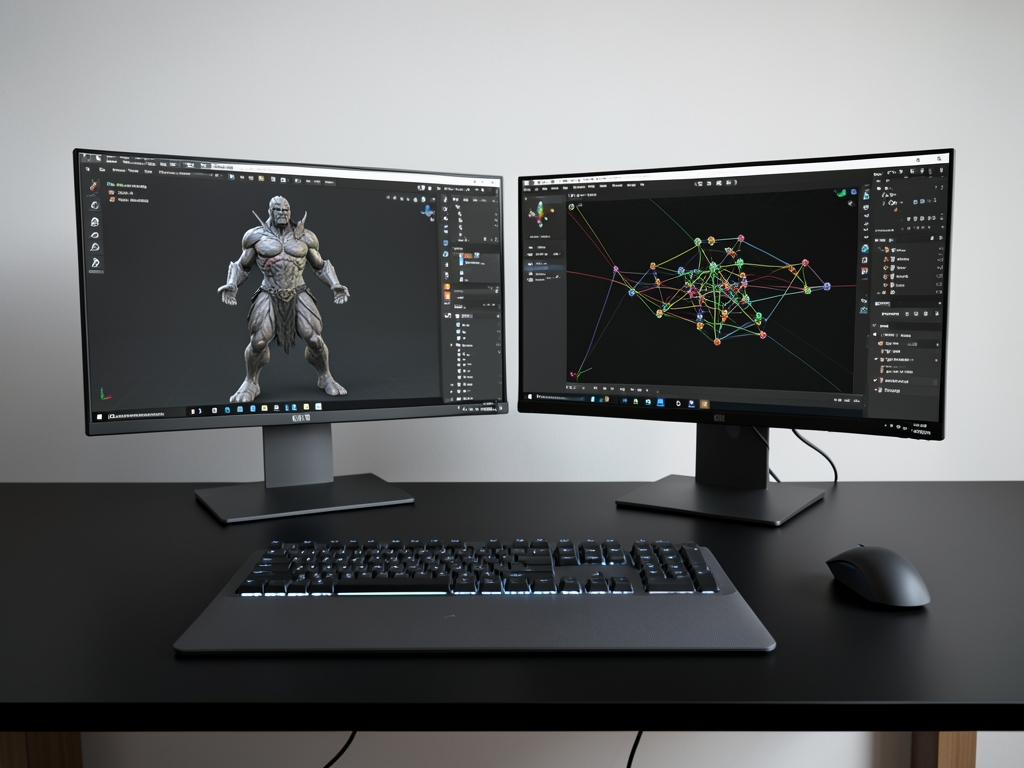
The Blender Foundation has officially released Blender 5.3, marking one of the most substantial structural and technological milestones in the history of the free and open-source 3D creation suite. Designed for artists, animators, game developers, visual effects technicians, and architectural visualizers, Blender 5.3 introduces deep engine upgrades that elevate real-time rendering capabilities and graphics performance across all major desktop operating systems. The headline additions in this release include native integration of 3D Gaussian Splatting within the viewport, alongside the full transition to the modern Vulkan graphics API as the primary default rendering backend for compatible systems.
For years, Blender has served as a cornerstone of independent and commercial production pipelines globally. The arrival of version 5.3 reinforces that position by replacing aging legacy graphics backends, optimizing system memory consumption, and expanding procedural toolsets. Whether you are producing high-end cinematic graphics in Cycles or executing real-time interactive previews in EEVEE, Blender 5.3 delivers noticeable architectural gains designed to fully leverage modern multi-core processors and contemporary graphics processing hardware on Windows, macOS, and Linux platforms.
What Is New in Blender 5.3: Core Features and Enhancements
The release of Blender 5.3 focuses on real-time performance, advanced scene representation methods, and streamlined procedural workflows. By modernizing low-level system interactions with system memory and graphics cards, the development team has significantly reduced viewport latency and enhanced frame stability when managing heavy production scenes containing millions of polygons and complex material shaders.
Native 3D Gaussian Splatting Integration
One of the most anticipated technical breakthroughs in Blender 5.3 is the native viewport support for 3D Gaussian Splatting. Radiance field technologies and photogrammetry workflows have rapidly gained traction across the visual production industry, allowing creators to turn real-world capture data into navigable, real-time 3D environments. Blender 5.3 allows users to import, edit, and composite Gaussian splat data directly inside the 3D viewport without relying on experimental third-party add-ons.
This integration opens up powerful hybrid workflows where real-world scanned scenes can be blended seamlessly with synthetic 3D assets, procedural geometry, and custom lighting setups. Artists can manipulate splat density, adjust color grading channels, and cast digital shadows across real-world scan captures directly within the viewport workflow.
Vulkan Graphics API Enabled by Default
Blender 5.3 completes a multi-year graphics pipeline overhaul by setting Vulkan as the primary default rendering interface on supported Windows and Linux hardware architectures. By shifting away from legacy OpenGL bindings, Blender achieves lower CPU overhead, improved multi-threaded command buffer submissions, and enhanced memory synchronization with modern GPU hardware.
For creators working on complex scenes with thousands of discrete objects, the Vulkan backend translates to smoother viewport manipulation, faster redraw rates during animation playback, and reduced driver-level stuttering. macOS users continue to benefit from dedicated Metal backend optimizations tailored specifically for Apple Silicon hardware, ensuring near-parity across system platforms.
Info! When upgrading to Blender 5.3 on systems running dedicated NVIDIA, AMD, or Intel graphics processing units, ensure your system graphics drivers are updated to the latest stable release to maintain full hardware support for the Vulkan graphics architecture.
Geometry Nodes and Procedural Asset Toolsets
Procedural scene generation within Blender continues to expand with version 5.3. The Geometry Nodes modifier system gains expanded node libraries focused on volume manipulation, simulation baking controls, and custom asset attributes. Artists can now build sophisticated procedural modifier setups that calculate dynamic displacement and physical interaction at real-time viewport speeds, making complex organic modeling and procedural environment generation intuitive and flexible.
System Requirements for Blender 5.3
Before installing Blender 5.3, verify that your computer meets the recommended hardware specifications to ensure optimal stability and graphics rendering performance across viewport tasks and final output rendering.
| Hardware Component | Minimum Requirement | Recommended Specification |
|---|---|---|
| Operating System | Windows 10/11 (64-bit), macOS 12+, Linux (glibc 2.28+) | Windows 11 (64-bit), macOS 14+ (Apple Silicon), Linux Ubuntu 22.04 LTS+ |
| Processor (CPU) | 64-bit Dual-Core 2.0 GHz CPU with SSE4.2 support | 64-bit Octa-Core Intel, AMD Ryzen, or Apple Silicon M-Series CPU |
| System Memory (RAM) | 8 GB RAM | 32 GB RAM or higher for heavy scene assets |
| Graphics Processing Unit (GPU) | 2 GB VRAM, OpenGL 4.3 or Vulkan 1.2 compatible | 8 GB+ VRAM, Vulkan 1.3 compatible (NVIDIA RTX, AMD Radeon RX 6000+, Apple M-Series) |
| Storage Space | 1 GB available disk space for program installation | High-speed Solid-State Drive (SSD) NVMe storage for disk caches |
Download and Official Installation Guide
Blender 5.3 is available as fully open-source software under the GNU General Public License (GPL). Users can download and deploy Blender for personal, educational, or commercial projects without recurring subscription costs or licensing restrictions. Always download software binaries directly from official, verified developer sources to ensure application integrity and protection against altered files.
Follow the practical platform-specific setup instructions below to complete your installation safely:
Installing Blender 5.3 on Microsoft Windows
- Visit the official download portal using the verified button link above.
- Select the Windows Installer (.msi) binary or choose the portable zip archive if you prefer executing Blender without running a system-level setup executable.
- Launch the downloaded
.msifile and complete the setup wizard steps, specifying your preferred directory location. - Run Blender 5.3 from your desktop shortcut or Start Menu, and choose your preferred UI keymap and theme configurations during initial startup.
Installing Blender 5.3 on macOS
- Download the official macOS disk image archive (.dmg) corresponding to your processor architecture (Apple Silicon M-Series or Intel 64-bit).
- Double-click the downloaded
.dmgfile to mount the disk volume on your desktop. - Drag the official Blender application icon into your local Applications directory folder.
- Launch Blender from Launchpad or Finder. If prompted by macOS Gatekeeper security policies, confirm opening the signed application binary.
Installing Blender 5.3 on Linux Platforms
- Download the Linux 64-bit compressed tarball package (
.tar.xz) from the official download repository. - Extract the archive contents using your terminal command line:
tar -xf blender-5.3-linux-x64.tar.xz. - Navigate into the extracted folder directory and execute the local
./blenderexecutable script. - Alternatively, install Blender 5.3 via verified Linux distribution software centers via official Flatpak packages maintained on Flathub or system Snap stores.
Practical Production Use Cases and Optimization
Blender 5.3 provides complete coverage across modern creative pipelines. Understanding how to align your hardware hardware resources with the software setup ensures efficient rendering operations and smooth asset interaction.
The transition to Vulkan by default in Blender 5.3 establishes a modern foundation for high-throughput graphics compute, providing creators with reliable real-time feedback across complex, multi-layered visual production tasks.
To maximize performance in Blender 5.3 when working on high-density production scenes, consider the following optimization strategies:
- Configure GPU Compute Acceleration: Open Edit > Preferences > System and verify your render device settings. Select OptiX, CUDA, HIP, or Metal depending on your GPU manufacturer to delegate Cycles rendering workloads directly to modern GPU hardware acceleration cores.
- Adjust Viewport Sampling Controls: Lower real-time viewport render samples while animating or positioning models, enabling viewport denoising (such as OpenImageDenoise or OptiX) to retain smooth frame rates during composition.
- Manage Memory Caching for Gaussian Splatting: When importing photogrammetry or splat capture files, set specific maximum memory limits within the Preferences panel to prevent background asset caching from saturating available physical RAM.
Is Blender 5.3 completely free for commercial projects?
Yes, Blender 5.3 is released under the GNU General Public License (GPL). You can use it freely for commercial, educational, or personal projects without paying any license fees or royalties.
What are the system requirements to run Vulkan graphics in Blender 5.3?
To utilize the Vulkan rendering backend in Blender 5.3, your system graphics card must support Vulkan 1.2 or higher. NVIDIA GTX 10-series and newer, AMD Radeon RX 400-series and newer, and recent Intel integrated or discrete GPUs support this standard when paired with updated graphics drivers.
How does 3D Gaussian Splatting work inside Blender 5.3?
Blender 5.3 includes native support for importing and displaying 3D Gaussian Splatting data directly in the 3D viewport. This allows users to blend real-world 3D photogrammetry captures with traditional geometric models and custom digital light sources in real time.
Can I run Blender 5.3 alongside older Blender releases?
Yes, Blender supports side-by-side installations. By using portable zip archives on Windows, standalone tar.xz packages on Linux, or separate application directories on macOS, you can run Blender 5.3 independently alongside older versions such as Blender 4.x.
Blender 5.3 delivers essential underlying modernizations that prepare the open-source suite for the future of 3D content creation. By adopting Vulkan as its core rendering engine and natively integrating cutting-edge point cloud techniques like 3D Gaussian Splatting, the Blender Foundation continues to offer a competitive, feature-packed digital creation platform accessible to artists worldwide.
