

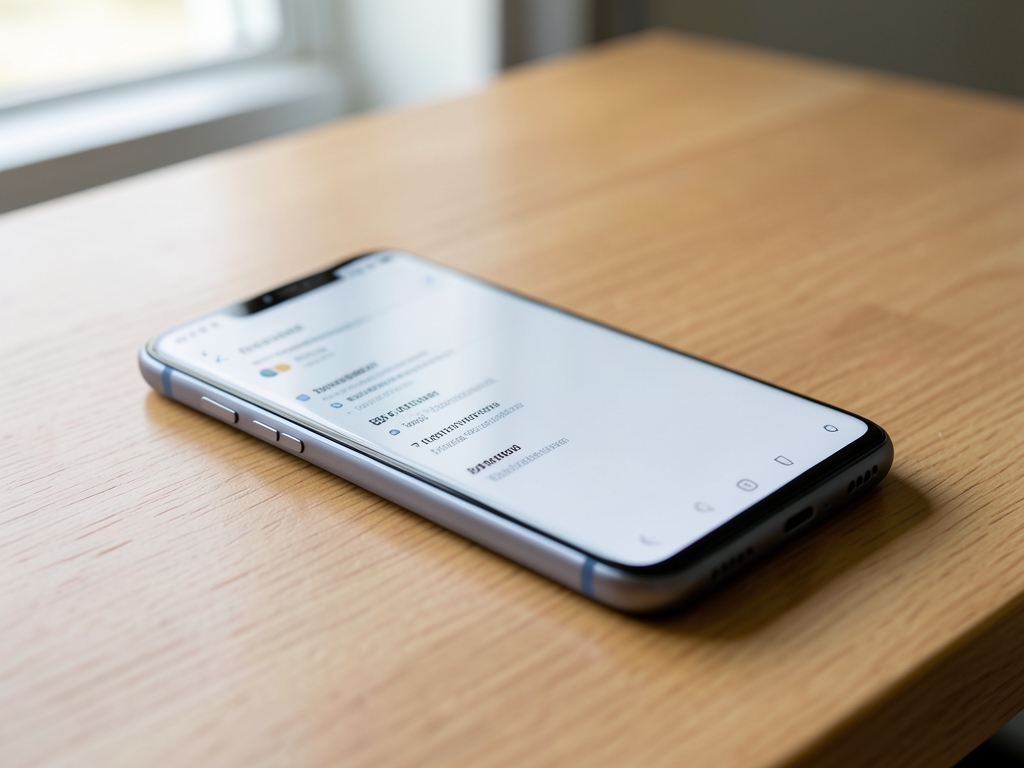
Major software updates are the heartbeat of modern mobile technology, dictating how long a device remains secure, efficient, and packed with cutting-edge features. When manufacturers roll out generational operating system upgrades, users eagerly anticipate how their specific hardware models will handle the transition. Among entry-level and mid-range devices, Samsung's rollout schedules attract intense scrutiny from consumers looking to maximize their tech investments. Understanding what is confirmed, what remains in testing, and how carrier-specific deployments operate helps users navigate the complex landscape of Android firmware maintenance without falling prey to unverified rumors or misleading internet speculation.
Keeping mobile devices updated is much more than a routine chore; it represents a critical line of defense against evolving cybersecurity threats while unlocking performance enhancements that breathe new life into everyday hardware. As smartphone lifespans extend, manufacturers face the dual challenge of delivering robust feature sets across both flagship powerhouses and budget-friendly daily drivers. Evaluating official announcements regarding upcoming firmware versions requires a careful look at verified carrier statements, manufacturer roadmaps, and technical compatibility markers to ensure accurate expectations.
Understanding Major Android Firmware Lifecycles
The journey of an Android operating system update involves multiple development stages before it ever reaches a consumer's pocket. Manufacturers like Samsung typically design software iterations over several months, moving from internal developer previews to beta testing phases, and finally to carrier certification. For mid-range models such as the Galaxy A series, this pipeline ensures that system stability and battery optimization meet strict quality standards before public deployment begins.
Carriers play a pivotal role in this ecosystem, especially in North American markets where network operators conduct independent validation checks. These checks verify that the new firmware integrates smoothly with carrier-specific VoLTE protocols, emergency alert systems, and localized network frequencies. Consequently, update timelines can vary significantly between unlocked factory devices and carrier-branded variants purchased directly through service providers.
What to Expect from Contemporary Interface Overhauls
Modern software refreshes focus heavily on refining user interaction models, improving animation fluidity, and integrating deeper privacy controls. When a generational interface revision arrives, users typically notice streamlined notification panels, enhanced customization options for lock screens and home widgets, and smarter background resource management. These optimizations are especially vital for mid-range hardware, where balancing graphical flair with efficient battery preservation dictates the overall user experience.
Privacy dashboards also receive significant attention in recent firmware builds, giving device owners granular control over microphone, camera, and location permissions. By centralizing these controls, users can audit app behaviors instantly, ensuring that third-party software respects personal boundaries without degrading daily functionality. Furthermore, background memory management algorithms often see substantial improvements, reducing unexpected app reloads and maintaining responsive multitasking capabilities.
Practical Steps to Prepare Your Phone for Major Updates
Before initiating a significant system upgrade, taking proactive maintenance steps prevents data loss, interrupted downloads, and unforeseen software glitches. While modern over-the-air installation procedures are remarkably reliable, a little preparation goes a long way toward ensuring a seamless transition to the latest firmware release.
- Connect your smartphone to a stable, high-speed Wi-Fi network to download large system files without exhausting your monthly cellular data allowance.
- Verify that your battery charge is above 50 percent, or connect the device directly to its power adapter to prevent unexpected shutdowns mid-installation.
- Perform a comprehensive cloud backup of your essential photos, documents, and messaging history using your preferred secure storage provider.
- Clear out cached temporary files and uninstall rarely used applications to free up adequate storage headroom for unpacking the new system archive.
Info! Major operating system upgrades often require several gigabytes of free internal storage to download, verify, and unpack installation packages successfully.
Navigating Carrier-Specific Rollout Realities
One of the most common sources of confusion among smartphone owners is the staggered nature of software deployments. Even when a manufacturer officially announces that a new software version is ready, individual network operators control the final release switch for locked devices. This staged approach allows engineering teams to monitor early adoption metrics, catch rare bug reports, and halt distributions immediately if unforeseen compatibility issues arise.
Warning! Avoid downloading unofficial firmware files or third-party modification tools from unverified online forums, as these unauthorized packages often compromise device security and permanently void manufacturer warranties.
For users eager to check their current update status, navigating through the device settings menu remains the safest and most reliable method. Manufacturers continually refine their automated check-in servers, ensuring that update prompts appear as soon as your specific regional and carrier profile is cleared for deployment.
Evaluating Performance and Battery Impact
A frequent concern following a major software update is whether device speed or battery endurance will suffer. Modern operating systems incorporate advanced machine learning routines that adapt to individual usage patterns over the first few days following an installation. During this initial calibration period, background indexing and cache rebuilding can temporarily elevate processor activity and power consumption.
Allowing the device a few days to settle after an upgrade usually reveals the true performance profile of the new firmware. Enhanced power-saving heuristics and smarter core scheduling often result in improved standby endurance over time, making patience a virtue when adopting fresh system software.
How can I check if a new software update is available for my phone?
Open your device settings menu, scroll down to select Software Update or System Update, and tap on Download and Install to query the carrier and manufacturer servers directly.
Why do carrier-locked phones receive updates later than unlocked models?
Carrier-locked devices must undergo additional quality assurance testing and network certification by individual service providers to ensure seamless compatibility with their specific infrastructure and services.
Will updating my phone erase my personal photos and messages?
Standard over-the-air system updates are designed to preserve all user data, applications, and personal settings, though maintaining a current cloud backup is always recommended as a safety precaution.
What should I do if my update download gets stuck or fails?
Verify your internet connection stability, ensure you have sufficient free storage space, restart your device, and attempt the update process again after clearing temporary system cache files.
Staying informed about official software developments ensures that you get the most out of your mobile technology while maintaining optimal security and performance standards. By relying on verified reports and practicing prudent digital maintenance, you can enjoy all the benefits of modern smartphone innovations without unnecessary hassle.
