

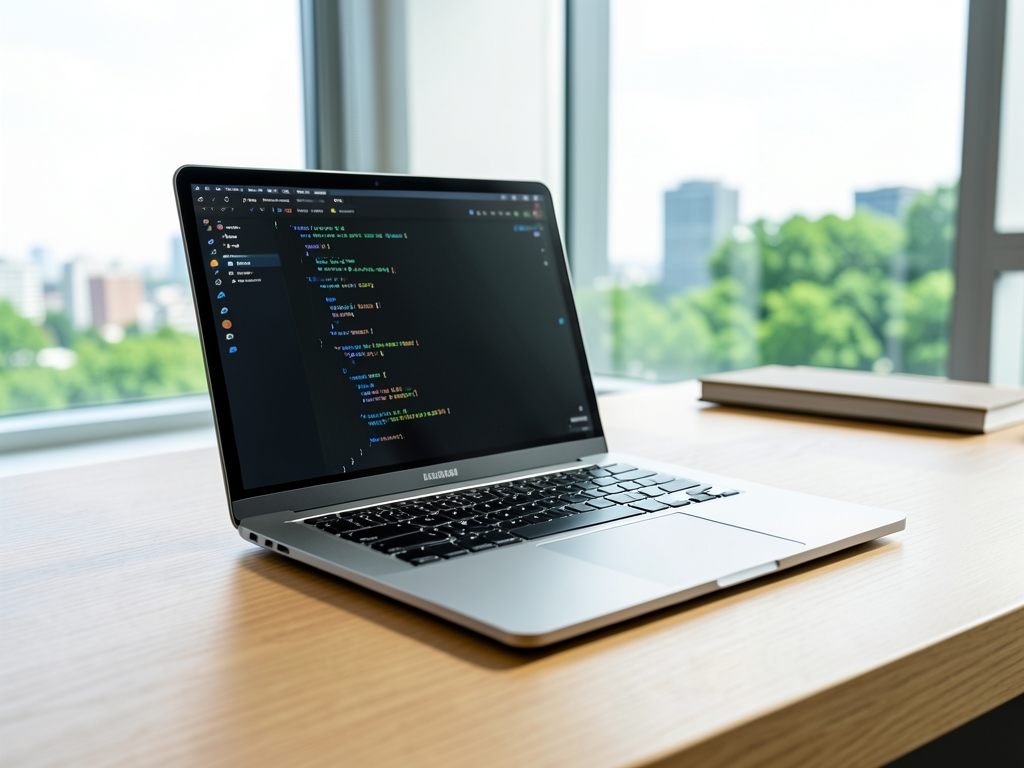
The landscape of personal computing continues to evolve as manufacturers integrate specialized hardware accelerators directly into consumer devices. Microsoft’s introduction of the Surface Laptop Ultra marks a notable shift in how high-performance components are packaged into mainstream form factors. By pairing advanced mobile processors with dedicated graphics solutions and expansive memory configurations, this hardware release addresses the growing demands of modern desktop workflows, creative applications, and on-device machine learning tasks. Understanding the specific architectural choices behind this release provides valuable insight into where consumer computing hardware is heading.
Architectural Overview and Core Specifications
At the center of the Surface Laptop Ultra lies a complex hardware architecture designed to handle intensive computational tasks without sacrificing portability. One of the most prominent features of this configuration is its memory capacity, which scales up to 128GB of high-speed memory. For professional users dealing with massive datasets, virtual machine hosting, or complex software compilation, having substantial local memory reduces reliance on slower paging files and external storage bottlenecks.
Complementing the memory subsystem is the integration of the NVIDIA RTX Spark graphics architecture. Unlike standard integrated graphics solutions that share system memory pools, dedicated hardware accelerators bring independent VRAM and specialized tensor cores to the chassis. This inclusion allows the device to process parallel workloads efficiently, making it well-suited for rendering tasks, local model execution, and accelerated video encoding workflows.
Integrating dedicated graphical processing units into thin-and-light chassis configurations represents a major engineering milestone for modern mobile workstations.
The Implementation of Local AI Capabilities
Artificial intelligence integration has become a primary focal point for recent hardware iterations, but the execution varies significantly across different manufacturers. The Surface Laptop Ultra approaches machine learning through a localized lens, emphasizing on-device data processing rather than continuous cloud connectivity. This localized strategy aims to address latency issues, enhance data privacy, and maintain operational functionality even when network access is limited.
By leveraging the combined compute power of the main processor, memory bandwidth, and the NVIDIA RTX Spark accelerators, the system can execute smaller large language models, localized transcription algorithms, and computer vision tasks directly on the silicon. This design minimizes round-trip communication with remote servers, ensuring that sensitive user data remains within the local storage environment.
| Hardware Component | Specification Highlight | Operational Benefit |
|---|---|---|
| Memory Configuration | Up to 128GB | Supports heavy multitasking and large data processing |
| Graphics Processing | NVIDIA RTX Spark | Accelerates rendering and local machine learning tasks |
| Form Factor | Thin-and-Light Chassis | Combines desktop-class power with mobile convenience |
| Processing Paradigm | Localized AI Execution | Improves response times and strengthens data privacy |
Evaluating Performance in Professional Workflows
Real-world utility depends heavily on how these hardware specifications translate into daily productivity. Professionals across software development, digital design, and data analysis often require hardware that remains stable under sustained loads. Thermal management plays a critical role in these scenarios, as compact chassis designs must dissipate heat generated by high-performance components effectively.
During standard office productivity tasks, the system operates quietly while drawing minimal power. However, when initiated into heavy computational workloads—such as compiling large codebases or exporting multi-layer video projects—the dedicated hardware engages to maintain high frame rates and processing speeds. Users evaluating this device must consider whether their specific applications are optimized to take advantage of multi-threaded processors and dedicated neural or graphical accelerators.
- Verify system requirements for specialized software before migrating workflows to new hardware configurations.
- Monitor thermal performance and fan curves during initial heavy rendering or compilation tasks.
- Configure local AI permissions and privacy settings to ensure data handling aligns with organizational policies.
- Utilize official manufacturer drivers to maintain optimal compatibility between the operating system and hardware accelerators.
Market Position and Consumer Considerations
The release of high-end portable workstations targeted at power users establishes a new benchmark for what consumers can expect from premium laptops. While traditional notebooks focused primarily on battery longevity and basic web browsing, modern devices are increasingly equipped to handle workloads that previously required bulky desktop towers. This convergence of power and portability changes how mobile professionals plan their hardware lifecycles.
Info! High-capacity memory configurations significantly extend the useful lifespan of professional computing hardware by accommodating heavier software updates over time.
However, prospective buyers must weigh the advantages of raw performance against financial investment and portability trade-offs. Devices outfitted with maximum memory tiers and specialized graphics hardware command premium price points. Assessing individual workflow requirements ensures that the investment aligns with actual computational needs rather than purely theoretical specifications.
What is the maximum memory capacity available for the Surface Laptop Ultra?
The Surface Laptop Ultra supports configurations scaling up to 128GB of memory, designed to handle heavy multitasking and large data workloads efficiently.
What role does the NVIDIA RTX Spark play in this hardware setup?
The NVIDIA RTX Spark provides dedicated graphical and tensor processing capabilities, accelerating rendering workflows and local machine learning tasks without relying solely on system memory.
How does the device handle local artificial intelligence tasks?
By utilizing on-device hardware accelerators, the laptop processes machine learning models locally, which helps reduce latency and keeps sensitive user data secure on the machine.
Is this laptop suitable for professional software development and creative work?
Yes, the combination of high-capacity memory, advanced processing power, and dedicated graphics makes it well-suited for developers, video editors, and technical professionals requiring desktop-class performance.
Conclusion
Microsoft’s hardware strategy with the Surface Laptop Ultra demonstrates a clear commitment to bridging the gap between mobile convenience and desktop-grade capability. By incorporating high-tier memory options and specialized graphics architecture, the device meets the demands of modern computing environments where local processing and machine learning integration are increasingly vital. For professionals seeking robust performance in a portable form factor, these engineering advancements offer a compelling option for future-proofing their daily workflows.
