

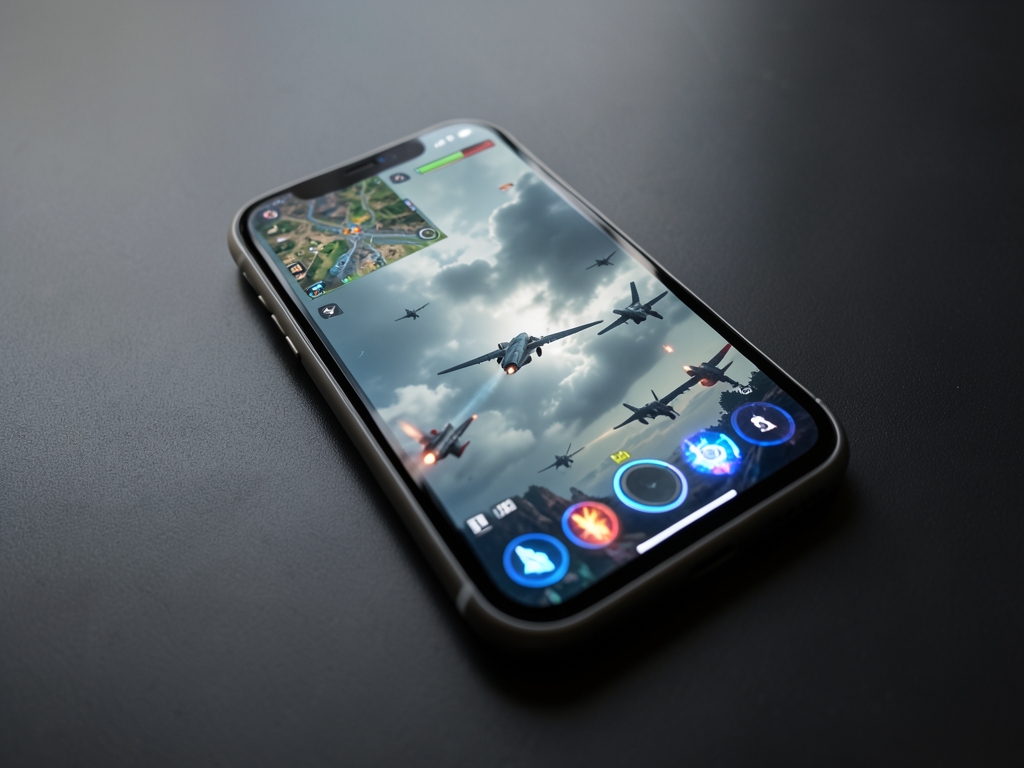
Mobile gaming enthusiasts using Apple devices have plenty to look forward to as pre-registrations officially open for the highly anticipated BGMI Air release. Scheduled to arrive on December 10, this latest expansion within the popular Battlegrounds Mobile India ecosystem brings fresh aerial mechanics and refined gameplay options tailored specifically for iPhone and iPad users. As developers finalize the software infrastructure and server readiness, players across international markets are closely monitoring what this rollout means for competitive mobile gaming dynamics on iOS hardware.
The announcement of pre-registrations arriving ahead of the official December 10 launch highlights a strategic push by publishers to ensure stable server capacity and seamless client-side optimization. Mobile gaming platforms have experienced rapid hardware acceleration over recent years, allowing developers to push high-frame-rate rendering and complex physics engines directly to smartphones without sacrificing thermal efficiency or battery longevity. For Apple users, this release represents an opportunity to leverage advanced silicon capabilities, ensuring fluid performance during intense tactical encounters.
Understanding the BGMI Air iOS Ecosystem and Pre-Registration Process
Pre-registering for mobile applications on iOS provides developers with critical metrics regarding initial user demand while granting players early access notifications the moment the application goes live on the App Store. When an anticipated title opens its pre-order phase, users can configure automatic downloads so that the game package installs immediately upon release. This eliminates manual searching on launch day and ensures that participants can jump into matches right away.
To secure access ahead of the December 10 debut, players typically navigate to the official app marketplace on their mobile device, search for the specific title, and tap the designated pre-order or pre-registration button. Operating systems then queue the installation packet, downloading necessary assets in the background once deployment begins. Ensuring sufficient storage space and a stable Wi-Fi connection prior to the launch date remains a best practice for avoiding interruptions during initial asset unpacking.
Hardware Requirements and Performance Optimization for iOS Devices
Running modern, graphically intensive mobile titles smoothly requires a careful balance between processor throughput, memory bandwidth, and thermal management. Apple's recent hardware lineups feature powerful multi-core neural engines and advanced graphics architectures capable of handling complex particle effects, dynamic lighting, and high-polygon character models. However, sustained gaming sessions can generate significant heat, prompting internal thermal throttling mechanisms to reduce clock speeds and protect sensitive components.
| Device Generation | Recommended Storage | Estimated Frame Rate Target | Thermal Considerations |
|---|---|---|---|
| Recent Pro Models | 64 GB Free Space | Up to 120 FPS | Advanced vapor chamber cooling manages sustained loads efficiently |
| Standard Recent Models | 32 GB Free Space | 60 FPS Stable | Moderate throttling during extended sessions without cooling accessories |
| Older Supported Models | 16 GB Free Space | 30 to 45 FPS | Requires reduced graphical settings to maintain steady frame pacing |
Players hoping to gain a competitive edge often adjust in-game settings to prioritize frame stability over maximum graphical fidelity. High frame rates reduce input latency, providing critical milliseconds of advantage during fast-paced gunfights or rapid tactical repositioning. Furthermore, utilizing dedicated gaming accessories such as external clip-on cooling fans can help sustain peak processor performance over hours of continuous play.
Software Integration and Operating System Compatibility
Major mobile game launches require deep compatibility with current operating system versions to ensure security, stability, and smooth graphics API translation. Apple's Metal graphics framework allows developers to interface directly with device hardware, minimizing overhead and maximizing rendering efficiency. As newer software iterations roll out globally, mobile applications must adapt to updated background activity policies, notification management protocols, and memory allocation rules.
Info! Developers frequently release day-one patches alongside major software debuts to address device-specific bugs and optimize network packet handling for multiplayer environments.
Players should always verify that their mobile operating system is fully updated before attempting to install large game updates. Running outdated software can lead to unexpected crashes, authentication errors with third-party login services, or incompatibility with real-time matchmaking servers. Keeping system software current ensures that security patches and performance enhancements provided by the manufacturer are fully active.
Network Stability and Competitive Mobile Gaming
Competitive multiplayer titles rely heavily on stable network connections with low latency to register player inputs accurately. Packet loss, high ping spikes, and jitter can severely disrupt gameplay, resulting in rubber-banding, delayed hit registration, and unfair competitive disadvantages. When connecting via wireless networks, switching to a 5 GHz Wi-Fi band or utilizing a stable cellular data connection often provides more reliable packet transmission than congested 2.4 GHz frequencies.
Network latency remains the single most critical external factor determining competitive success in modern real-time multiplayer mobile titles, overshadowing minor hardware differences between competing devices.
Gamers should also be mindful of background applications consuming network bandwidth or processing resources while a match is underway. Cloud synchronization services, automatic media backups, and background software updates can introduce micro-stutters and unexpected latency spikes. Disabling non-essential background data access for secondary applications helps preserve maximum system responsiveness during critical gaming moments.
Strategic Preparation for the December 10 Release
As the December 10 launch date approaches, players preparing for the arrival of BGMI Air on iOS can take several proactive steps to ensure an optimal experience. Beyond completing the initial pre-registration, reviewing account linking options—such as social media credentials or dedicated gaming network profiles—prevents frustrating login complications when servers open. Ensuring that payment methods tied to digital app stores are up to date also simplifies acquiring optional cosmetic upgrades or seasonal passes.
- Verify device storage capacity and clear unused media files to accommodate large game asset packages.
- Confirm that your mobile operating system is running the latest stable release version.
- Pre-register through the official app store channel to enable automatic background downloading on launch day.
- Test your network connection stability and configure in-game audio and visual settings immediately upon first login.
By taking these preparatory measures, mobile gamers can bypass common technical hurdles and dive straight into the action the moment servers go live. Keeping informed through official developer announcements and reputable technology news channels ensures players remain aware of any schedule adjustments, hotfixes, or additional content expansions planned for the coming weeks.
When is the official BGMI Air launch date for iOS users?
The official launch is scheduled for December 10, following the opening of early pre-registrations for Apple users.
How can iPhone users pre-register for the game?
iOS users can visit the official app marketplace, search for the title, and select the pre-order or pre-registration option to queue automatic installation.
What device specifications are recommended for optimal performance?
Recent Apple Pro models with adequate free storage space and updated system software provide the best frame rates and thermal stability for high-end mobile gaming.
Do I need a stable network connection to play competitively?
Yes, low latency and minimal packet loss are essential for accurate hit registration and responsive controls during multiplayer matches.
In conclusion, the arrival of BGMI Air on iOS highlights the continued maturation of mobile gaming as a premier digital entertainment medium. With robust hardware capabilities and optimized software frameworks, modern smartphones deliver experiences that rival traditional gaming platforms. Players who prepare their devices ahead of the December 10 rollout will be well-positioned to explore everything the new release has to offer.
