

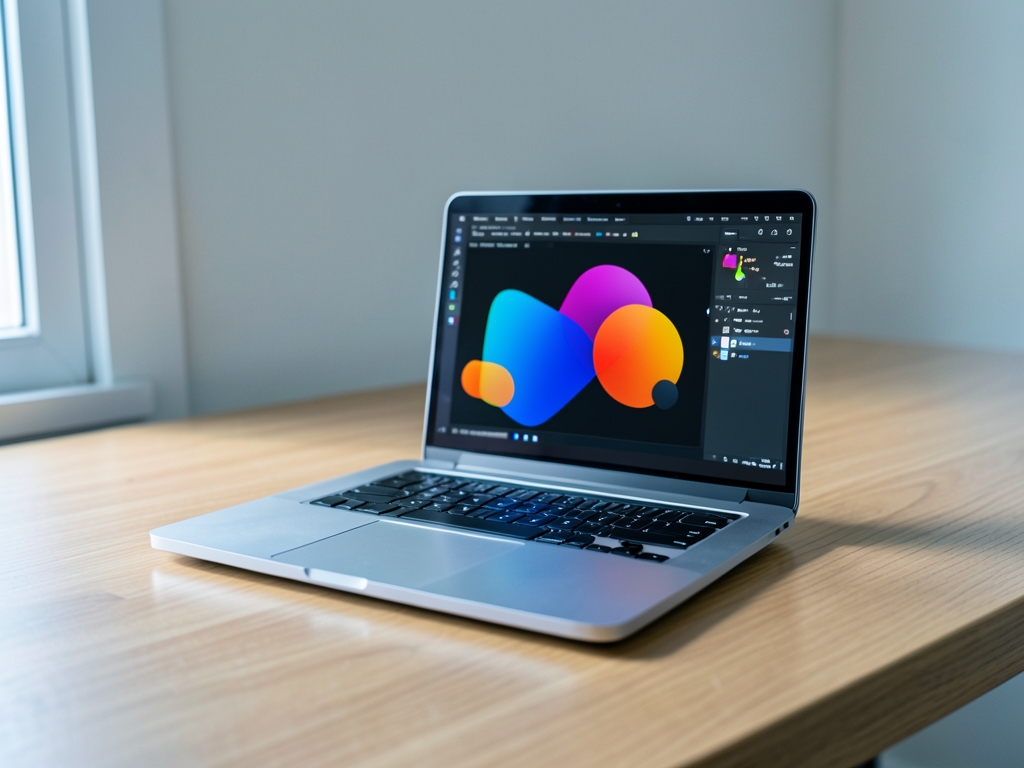
The portable computing landscape is experiencing a subtle yet seismic shift. For decades, the partnership between Windows laptops and Intel silicon felt like an immutable law of hardware engineering. Consumers shopping for a premium ultraportable machine automatically looked for the familiar blue sticker, expecting that processing muscle and productivity dominance were synonymous with x86 architecture powered by Intel. However, recent hardware releases are aggressively dismantling that long-standing industry assumption. Among the most compelling challengers to this status quo is the ASUS Zenbook 14, a device that has recently captured intense industry scrutiny by demonstrating how modern non-Intel configurations can deliver superior efficiency, thermal management, and day-to-day responsiveness.
This evaluation explores the engineering choices, architectural shifts, and practical performance implications that make current alternative-processor laptops so appealing. By examining how modern ultraportables manage power delivery, battery endurance, and thermal output, buyers can better understand why ditching Intel is becoming a mainstream consideration rather than a niche enthusiast choice.
The Evolution of Ultraportable Laptop Architecture
To understand why machines like the ASUS Zenbook 14 are changing consumer habits, one must examine the fundamental architectural changes taking place in mobile computing. For years, performance in thin-and-light laptops was bounded by strict thermal envelopes. Intel processors, while exceptionally capable at peak turbo frequencies, frequently struggled to maintain sustained workloads without generating excessive heat and draining batteries at an alarming rate.
Alternative chip architectures have attacked this problem from a different angle. By focusing on heterogeneous core designs that pair high-performance execution threads with hyper-efficient background clusters, modern processors achieve remarkable performance-per-watt ratios. This shift means that everyday tasks—such as web browsing with dozens of tabs, high-definition video conferencing, and local document compilation—can be executed with minimal power draw. When users push the machine into heavier creative workflows or multitasking scenarios, the system ramps up performance without triggering the loud fan noise and thermal throttling that historically plagued ultraportable notebooks.
Design, Display, and Build Quality in Modern Sub-Flagships
Beyond internal silicon choices, a successful modern laptop must excel in physical design and user experience. The chassis engineering of current premium ultraportables emphasizes slim profiles without sacrificing structural rigidity. Utilizing aerospace-grade aluminum alloys, manufacturers achieve a featherlight footprint that easily slips into a backpack while remaining robust enough to withstand daily commuter wear and tear.
Display technology has simultaneously reached new heights. OLED panels have largely transitioned from luxury novelties to expected standards in the premium segment. These screens offer infinite contrast ratios, deep blacks, and vibrant color reproduction that benefits both media consumption and precise graphic work. Furthermore, advanced panel efficiency features help offset the power demands of high-resolution displays, ensuring that visual fidelity does not come at the direct expense of battery life.
Key physical attributes of modern premium ultraportables typically include:
- Precision-milled aluminum chassis: Offering exceptional durability while maintaining a weight under three pounds.
- High-refresh-rate OLED screens: Providing fluid motion rendering and accurate color calibration for creators.
- Optimized thermal architecture: Utilizing dual-fan or vapor-chamber layouts to dissipate heat silently.
- Robust connectivity suites: Featuring multiple USB-C ports, Thunderbolt or high-speed data lanes, and standard headphone jacks.
Thermal Performance and Battery Endurance Realities
One of the most compelling arguments for moving away from traditional processor ecosystems is the dramatic improvement in thermal and battery metrics. In real-world testing, users frequently report that alternative-silicon laptops maintain cool chassis temperatures even when resting directly on a lap or working in restricted spaces like aircraft tray tables.
Battery endurance has similarly crossed a psychological threshold. Where a full workday away from a wall charger once required careful screen brightness management and aggressive power-saving modes, modern efficiency-focused notebooks routinely cruise through eight to twelve hours of mixed productivity tasks. This longevity alters mobile workflows, allowing professionals, students, and frequent travelers to leave their power bricks behind entirely during short trips.
Evaluating the Software Ecosystem and Compatibility
A frequent hesitation among buyers considering non-Intel or non-traditional x86 systems is software compatibility. Historically, switching architectures meant risking broken printer drivers, incompatible enterprise applications, or sluggish emulation layers when running legacy software. Fortunately, those barriers have steadily crumbled.
Modern operating systems feature robust native compilation tools, and major productivity suites—including office productivity tools, creative editing packages, and web browsers—now run natively on diverse silicon platforms. For the vast majority of consumers, the transition is entirely transparent. Applications launch instantaneously, file transfers happen at blistering speeds, and background synchronization occurs without stuttering.
Making the Right Choice: Is It Time to Move On?
Deciding whether to follow the trend of moving away from Intel depends heavily on individual computing needs. For casual users, students, and mobile professionals who prioritize battery life, cool operation, and instant wake times, alternative platforms offer a frictionless experience. The combination of refined hardware engineering, exceptional display technology, and intelligent power management makes current market offerings exceptionally attractive.
However, enterprise environments with legacy x86 software dependencies or specific specialized engineering tools should still verify application compatibility before committing to a platform transition. For most retail buyers, though, the traditional dominance of a single processor brand is officially a relic of the past.
Why are users increasingly choosing non-Intel laptops?
Modern alternative processors offer superior energy efficiency, longer battery life, cooler operating temperatures, and sustained performance without heavy thermal throttling.
Does switching laptop processors affect software compatibility?
For the vast majority of users, major productivity software, web browsers, and media tools run natively with excellent speed and stability.
What display technology is standard in premium ultraportables?
Most modern high-end notebooks utilize vibrant OLED panels that deliver infinite contrast, deep blacks, and exceptional color accuracy for creative tasks.
How does thermal management differ in newer laptop designs?
Newer laptops use advanced vapor chambers and optimized cooling channels that dissipate heat silently, keeping the chassis cool under heavy workloads.
The shifting tides in mobile computing hardware prove that competition breeds innovation. As manufacturers continue to refine alternative chip architectures and system designs, consumers reap the benefits through faster, more reliable, and longer-lasting devices.
