

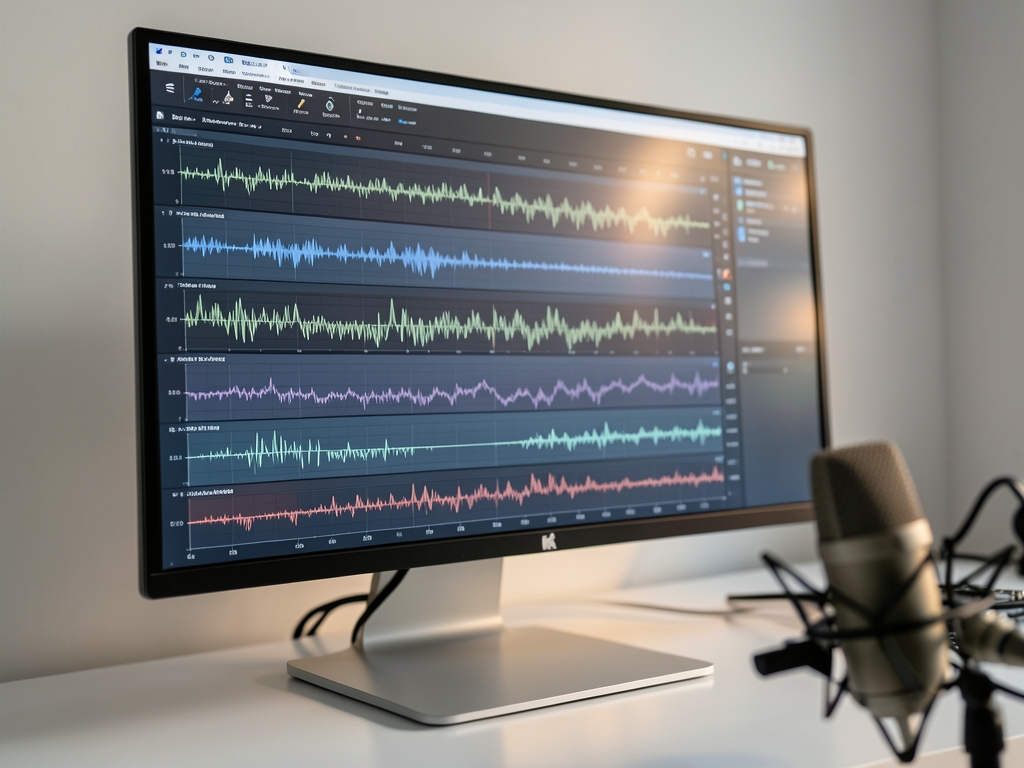
Audacity remains one of the most widely recognized and trusted open-source audio editors available for desktop computing environments. Over the years, millions of podcasters, musicians, sound designers, and audio hobbyists have relied on its versatile multi-track recording and editing engine. The development team behind the project consistently pushes out updates to address user feedback, improve stability, and reintroduce vital productivity features that enhance everyday workflows. With the release of version 4.0.2, the software brings back an indispensable safeguard for long recording sessions while refining performance across supported operating systems.
For anyone working extensively with digital audio workstations, finding reliable tools that do not compromise system performance or require expensive subscription models is essential. Audacity has maintained its commitment to free, open-source accessibility while offering advanced capabilities that rival commercial software packages. Whether you are cleaning up vocal tracks for a podcast, mastering an independent music album, or digitizing a vinyl record collection, understanding the core features and safe installation procedures of the latest release ensures a smooth experience.
Overview of Audacity 4.0.2 and Key Enhancements
The primary highlight of the Audacity 4.0.2 release is the restoration of automatic saving capabilities during active recording sessions. In previous iterations, unexpected system interruptions or application crashes during long, uninterrupted recordings could occasionally lead to lost progress. This update re-establishes robust background recovery safeguards, ensuring that raw audio data is continuously preserved as it is captured. This improvement provides essential peace of mind for professionals recording live performances, lectures, or interviews where retakes are impossible.
Beyond automatic save functionality, the software includes performance optimizations designed to reduce latency during real-time effect monitoring. Users can apply plug-ins such as noise reduction, equalization, compression, and reverb directly to tracks while monitoring changes on the fly. The updated interface also improves asset management within complex multi-track projects, making it easier to group, mute, and arrange audio clips without cluttering the main workspace.
Info! The restoration of automatic saving during recording is available across all primary desktop builds, including Windows, macOS, and Linux platforms.
Core Features of the Audio Editor
Audacity provides a comprehensive suite of tools designed to handle every stage of the audio production pipeline, from initial recording to final export. Below is a detailed breakdown of the platform's standout capabilities:
- Multi-Track Recording: Capture live audio simultaneously from multiple hardware inputs, USB microphones, and external sound cards with high fidelity.
- Extensive Format Support: Import, edit, and export a wide range of audio file formats, including WAV, AIFF, FLAC, MP3, and Ogg Vorbis, with customizable bitrate settings.
- Plug-In Compatibility: Expand editing functionality using third-party effects, supporting VST, LV2, and AU plug-in standards for advanced mastering tasks.
- Precision Editing: Perform surgical cuts, copy, paste, and mix operations with sample-accurate precision, backed by spectral editing views for isolating specific frequencies.
- Batch Processing: Automate repetitive editing tasks and format conversions across large batches of audio files to save valuable production time.
These features make the application exceptionally flexible, accommodating both simple editing tasks like trimming voice memos and complex sound engineering projects requiring advanced frequency manipulation and multi-layered mixing.
System Requirements and Platform Compatibility
Before installing the latest version of Audacity, it is important to verify that your computer meets the necessary hardware and operating system requirements. Because the software is optimized for cross-platform performance, it runs efficiently on a wide variety of hardware configurations.
| Operating System | Minimum Processor | RAM Required | Storage Space |
|---|---|---|---|
| Windows 10 / 11 (64-bit) | Intel Core i3 / AMD Ryzen 3 | 4 GB RAM (8 GB recommended) | 500 MB free space |
| macOS (Recent Versions) | Apple Silicon or Intel Processor | 4 GB RAM (8 GB recommended) | 500 MB free space |
| Linux (Modern Distributions) | Dual-Core 2.0 GHz Processor | 4 GB RAM | 500 MB free space |
Users running modern Linux distributions should ensure their system libraries are up to date to guarantee full compatibility with the latest audio backend servers like PipeWire or PulseAudio. On macOS and Windows, standard installer packages handle dependencies automatically.
How to Download and Install Audacity Safely
To ensure system security and avoid downloading compromised or bundled software installers, users should always obtain Audacity directly from official distribution channels. Never download installation files from unverified third-party file-sharing mirrors or unofficial software repositories.
Download Audacity Audio EditorFollow these steps to safely download and set up the application on your computer:
- Navigate to the official website using the secure link provided above.
- Select the appropriate download package corresponding to your operating system (Windows, macOS, or Linux).
- Verify the downloaded installer file or use your system's package manager to confirm integrity.
- Launch the installer executable and follow the on-screen setup wizard instructions.
- Open the application, configure your input and output audio devices in the preferences menu, and begin recording.
Warning! Avoid third-party websites claiming to offer modified or cracked versions of open-source software, as these downloads often harbor unwanted adware or malicious scripts.
Frequently Asked Questions
Is Audacity completely free to use for commercial projects?
Yes, Audacity is licensed under the GNU General Public License (GPL), which means it is entirely free for personal, educational, and commercial use without subscription fees or hidden costs.
What does the automatic saving feature do in version 4.0.2?
The automatic saving feature continuously preserves raw audio data in the background while you record, protecting your work and allowing for easy recovery if the application unexpectedly closes.
Can I use VST plug-ins with this audio editor?
Yes, Audacity supports a wide variety of third-party audio plug-ins, including VST, LV2, and AU formats, allowing you to add advanced studio effects and virtual instruments to your workflow.
How do I update my existing installation of Audacity?
You can update your software by downloading the latest installer directly from the official website and running it over your current installation, or by using your Linux distribution's package manager.
Conclusion
Audacity 4.0.2 reinforces the software's reputation as a dependable, powerful, and accessible audio editor for users across all major desktop operating systems. By restoring automatic saving during live recordings and optimizing background performance, the development team has addressed critical user needs without compromising the open-source ethos of the project. Whether you are recording professional voiceovers, producing music, or editing field recordings, downloading the latest official version ensures a stable and secure production environment. Always stick to official distribution channels to keep your system safe and enjoy uninterrupted audio editing workflows.
