

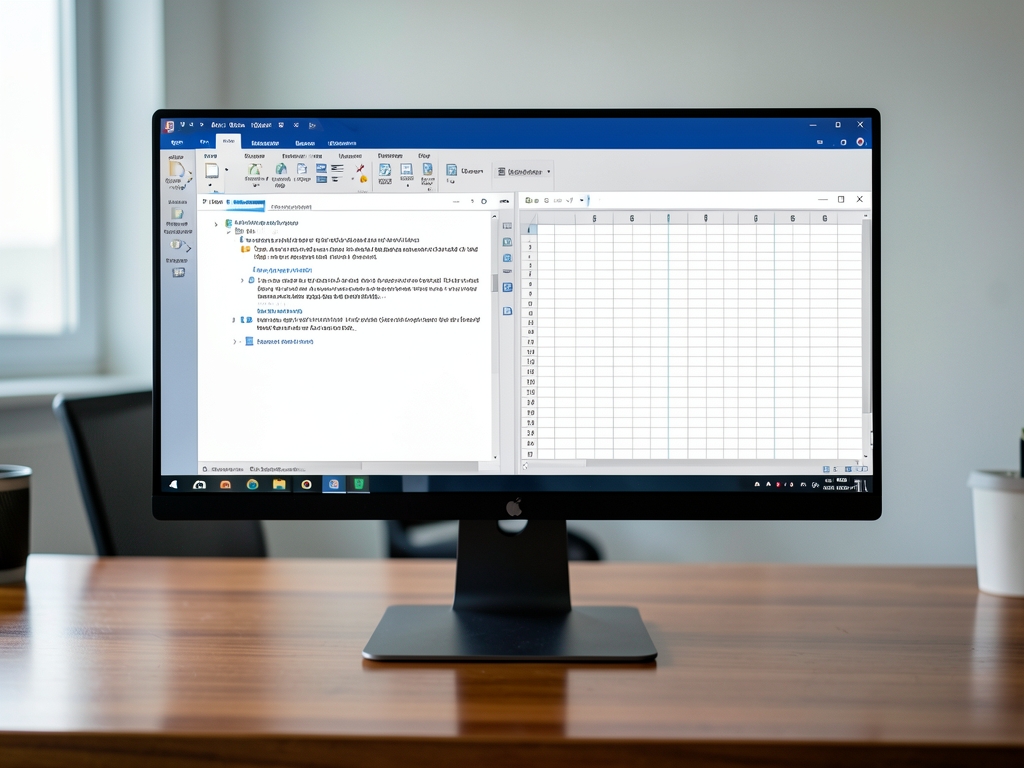
Findings from recent software announcements highlight the continuous evolution of desktop productivity ecosystems, particularly with the introduction of cross-platform solutions designed to challenge traditional proprietary software suites. Among these emerging tools, Euro-Office has captured significant attention following its official multi-platform desktop app release supporting Windows, macOS, and Linux operating systems. For individuals, students, and enterprise environments seeking reliable alternatives to traditional office suites, understanding the core functionality, system compatibility, and installation process of newly launched tools is essential for maintaining efficient daily workflows.
As digital workspaces evolve, the demand for lightweight, highly compatible productivity suites that operate seamlessly across diverse operating systems continues to expand. Euro-Office addresses these requirements by delivering a unified application framework that accommodates word processing, spreadsheet management, and presentation creation without imposing heavy resource burdens on host hardware. Whether you are managing complex numerical data or drafting comprehensive reports, exploring how to safely acquire and deploy such tools ensures optimal performance and robust data security across all your personal and professional computing devices.
Understanding Euro-Office and Its Multi-Platform Ecosystem
The recent debut of the Euro-Office desktop application marks a notable milestone for users operating across mixed-OS environments. Historically, many office applications have remained restricted to specific operating systems, requiring users to rely on web-based wrappers or fragmented compatibility layers to achieve cross-device document editing. Euro-Office changes this dynamic by offering native binaries tailored specifically for Windows, macOS, and Linux distributions, ensuring that core productivity features remain fully accessible regardless of your preferred computing platform.
Built with an emphasis on performance and interoperability, the suite integrates seamlessly with standard document formats, allowing users to open, edit, and export files created in various legacy and modern word processors and spreadsheet editors. This native approach minimizes formatting discrepancies that frequently occur when transferring files between different office environments. Furthermore, the application's streamlined interface reduces visual clutter, enabling users to focus on content creation while navigating essential styling and formatting tools with minimal friction.
Key Features and Productivity Enhancements
Euro-Office incorporates a robust selection of features engineered to support diverse professional and academic tasks. The primary word processing module delivers advanced typography controls, style management, and collaborative annotation tools that simplify document review processes. Users can easily insert tables, images, and graphical elements while maintaining precise layout control through intuitive margin and alignment settings.
In addition to word processing, the spreadsheet component provides advanced computational capabilities, supporting complex formula execution, data filtering, and dynamic chart generation. These tools enable users to analyze large datasets efficiently and produce professional visual representations of numerical trends. The presentation tool rounds out the core offering by delivering customizable slide layouts, transition effects, and multimedia integration options, making it straightforward to design engaging presentations for meetings or educational seminars.
The introduction of native cross-platform office applications demonstrates a growing commitment to user flexibility, ensuring that individuals and teams are not locked into a single operating ecosystem for their daily productivity needs.
System Requirements and Device Compatibility
Before installing Euro-Office on your computer or laptop, verifying your system specifications ensures a smooth and stable user experience. Because the application is compiled natively for each target operating system, resource utilization remains remarkably efficient compared to resource-intensive web-wrapped alternatives.
Info! Always verify that your operating system is fully updated to the latest stable release before initiating software installations to prevent compatibility conflicts.
For Windows users, the software supports recent versions including Windows 10 and Windows 11, requiring a minimum of 4GB of RAM and an adequate multi-core processor for responsive performance. Mac users utilizing macOS benefit from native compilation designed for both Intel-based and Apple Silicon architectures, ensuring optimal execution speeds. Linux users can deploy the software across major distributions such as Ubuntu, Fedora, and Debian, where standard package managers or universal package formats facilitate straightforward integration into existing desktop environments.
How to Download and Install Euro-Office Safely
Securing official software through verified distribution channels is critical for maintaining device security and avoiding compromised installation packages. When downloading Euro-Office, users should navigate directly to official publisher channels or trusted project repositories rather than relying on unverified third-party hosting mirrors.
To help you get started quickly, use the official download link below to access the verified installation package for your specific operating system:
Once you have acquired the correct installer for your platform, follow these step-by-step instructions to complete the setup process:
- Download the official installer file corresponding to your operating system (Windows, macOS, or Linux) from the verified source.
- Locate the downloaded file in your default downloads directory and launch the installer executable.
- Follow the on-screen prompts within the setup wizard, reviewing and accepting the software license agreement.
- Choose your preferred installation directory or accept the default system path to proceed.
- Complete the installation and launch Euro-Office from your desktop shortcut or applications menu to begin creating and editing documents.
Maintaining Security and Best Practices for Office Software
Protecting sensitive documents and maintaining overall system hygiene requires ongoing attention even after successful software installation. Regularly updating your productivity applications ensures that you receive critical security patches, bug fixes, and performance optimizations released by the development team. Enabling automatic update notifications within the application settings can streamline this maintenance routine.
Warning! Exercise caution when downloading office suites from unofficial websites, as modified installers may contain bundled adware or malicious payloads.
Additionally, establishing robust data backup protocols safeguards your important work against unforeseen hardware failures or system corruption. Utilizing secure cloud storage integration or local external backups ensures that your documents remain recoverable at all times. By combining verified software installations with sensible maintenance habits, you can build a resilient and efficient digital workstation.
What operating systems are supported by Euro-Office?
Euro-Office provides native desktop applications for Windows, macOS, and Linux computers, ensuring broad compatibility across major operating environments.
Is Euro-Office free to download and use?
Yes, Euro-Office is provided as a free office suite alternative, making it accessible for personal, educational, and professional document management tasks without upfront license fees.
Can Euro-Office open Microsoft Office file formats?
Yes, the software features robust compatibility with standard file formats, allowing users to seamlessly open, edit, and save documents in popular formats like DOCX, XLSX, and PPTX.
