

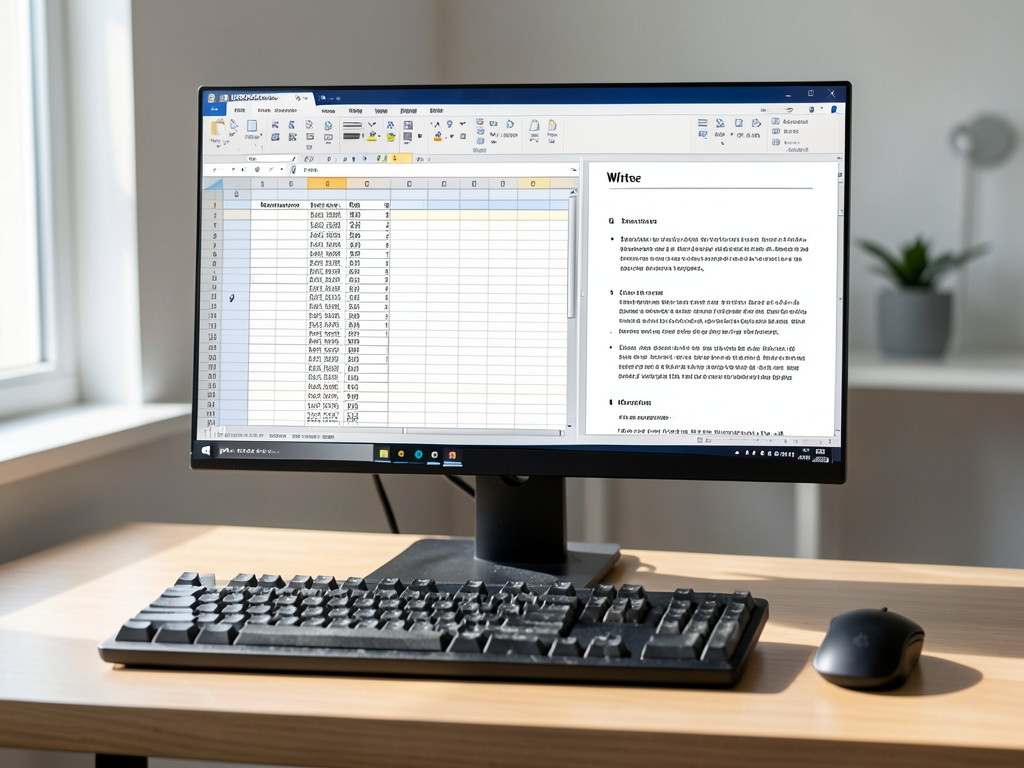
The release of LibreOffice 26.2.7 marks a significant milestone for users relying on the older stable branch of this powerful, open-source office productivity suite. As part of the Document Foundation's ongoing commitment to delivering robust and reliable software, this update focuses primarily on critical bug fixes, stability enhancements, and compatibility improvements across multiple operating systems. Whether you are managing complex spreadsheets, drafting professional documents, or creating dynamic presentations, keeping your productivity tools up to date is essential for maintaining optimal workflow efficiency and document security.
For millions of individuals, students, small business owners, and enterprise environments around the world, open-source productivity suites provide a robust, cost-effective alternative to proprietary software. LibreOffice continues to lead this movement by offering a comprehensive ecosystem that includes Writer for word processing, Calc for data analysis, Impress for multimedia presentations, Draw for vector graphics, Math for mathematical formulas, and Base for database management. The 26.2.7 release ensures that this mature software branch remains dependable, secure, and fully compatible with modern hardware configurations.
Download LibreOfficeUnderstanding the LibreOffice 26.2.7 Release and Stable Branch Strategy
The Document Foundation maintains two distinct release branches for its flagship office suite: the "Fresh" branch, which incorporates the latest cutting-edge features and experimental tools, and the "Still" branch, which prioritizes rigorous testing, stability, and long-term deployment reliability. LibreOffice 26.2.7 arrives as the final maintenance update to an established stable branch, making it an ideal choice for conservative users, educational institutions, and corporate environments where unexpected software behavior can disrupt daily operations.
Software stability is not merely about preventing application crashes; it encompasses document rendering accuracy, font consistency, macro execution safety, and seamless interoperability with various file formats such as Microsoft Office DOCX, XLSX, and PPTX. Over the lifecycle of this stable branch, developers have addressed numerous edge cases reported by the global community. Version 26.2.7 aggregates these refinements, ensuring that users experience minimal disruption when opening legacy files or collaborating with colleagues who use different office ecosystems.
Key Features and Core Applications Included in LibreOffice
LibreOffice offers a feature set that rivals commercial office suites without imposing licensing fees or subscription models. Each core application within the suite is engineered to handle demanding professional tasks with precision.
Writer: Advanced Word Processing
Writer provides everything from quick memo drafting to complex book design containing indexes, bibliographies, and embedded illustrations. Master documents allow users to manage large publishing projects by linking multiple individual files into a single cohesive output. Recent updates in the stable branch have improved paragraph spacing calculations, tracked changes handling, and direct export options to EPUB and PDF formats.
Calc: Powerful Data Analysis and Spreadsheets
Calc is designed for professionals who handle large datasets, complex financial models, and detailed statistical calculations. It supports advanced charting tools, pivot tables, and conditional formatting rules. Performance optimizations in the 26.2.7 release enhance formula calculation speed and reduce memory consumption when loading extensive spreadsheets containing thousands of rows.
Impress and Draw: Visual Communication
Impress empowers users to craft engaging slide presentations with custom animations, slide transitions, and master view controls. Draw complements the suite by functioning as a versatile diagramming and vector illustration tool capable of producing flowcharts, brochures, and technical drawings.
System Requirements and Supported Operating Systems
Before initiating the installation process, it is important to verify that your computer meets the recommended hardware and software specifications to ensure smooth execution of all suite components.
| Operating System | Minimum Processor | RAM Required | Disk Space |
|---|---|---|---|
| Microsoft Windows 10 / 11 (64-bit) | 1 GHz or faster x86-bit | 4 GB RAM | 1.5 GB available space |
| macOS 10.15 or newer | Intel or Apple Silicon (M1/M2/M3/M4) | 4 GB RAM | 800 MB available space |
| Linux (Modern Distributions) | Pentium-compatible or modern ARM | 2 GB RAM | 600 MB available space |
Info! LibreOffice is distributed as free and open-source software under the Mozilla Public License v2.0, allowing free usage for personal, educational, and commercial purposes without licensing restrictions.
Step-by-Step Guide to Downloading and Installing LibreOffice
Installing LibreOffice on your computer is a straightforward procedure. To ensure security and prevent downloading altered packages, always acquire the software from the official project website or verified repository mirrors.
- Navigate to the official LibreOffice download portal using your preferred web browser.
- Select your correct operating system from the drop-down menu (Windows x86_64, macOS Intel/Apple Silicon, or Linux AppImage/DEB/RPM).
- Click the primary download link to save the installation package to your local drive.
- Once the download completes, locate the installation file in your downloads folder.
- Run the installer and follow the on-screen prompts to complete the setup process. On Linux, ensure you add the official PPA or package manager repository if you prefer automatic system updates.
Warning! Avoid downloading LibreOffice from unverified third-party software aggregators or file-sharing forums, as these sources may bundle unwanted adware, modified installers, or outdated binaries.
Ensuring Document Compatibility and Security Best Practices
While LibreOffice natively utilizes the Open Document Format (.odt, .ods, .odp) in compliance with international ISO standards, millions of business and academic environments still rely on proprietary Microsoft formats. LibreOffice features robust import and export filters designed to preserve formatting integrity when dealing with DOCX, XLSX, and PPTX files. However, users should always verify layout alignment and font rendering when transferring files between different office suites, particularly when dealing with complex typography or embedded objects.
Maintaining good cybersecurity hygiene also extends to your office productivity software. Enabling automatic update notifications ensures that you are promptly informed of subsequent security patches and maintenance releases. Furthermore, utilizing built-in digital signature tools within LibreOffice allows you to sign documents cryptographically, verifying authorship and protecting sensitive files against unauthorized tampering.
Is LibreOffice completely free to download and use?
Yes, LibreOffice is 100% free and open-source software. There are no hidden subscription fees, trial limitations, or paid feature tiers for personal, educational, or commercial use.
Can LibreOffice open and edit Microsoft Office files?
Yes, LibreOffice includes robust filters that allow you to open, edit, and save documents in Microsoft formats such as DOCX, XLSX, and PPTX with high fidelity.
What is the difference between the Fresh and Still branches?
The Fresh branch contains the newest features and is targeted at technology enthusiasts, while the Still branch focuses on rigorous bug fixing and stability, making it ideal for conservative production environments.
How do I check for updates in LibreOffice?
You can check for updates manually within the application by navigating to Help and selecting Check for Updates, or by visiting the official LibreOffice website to download the latest installer package.
LibreOffice 26.2.7 reinforces the software's reputation as a dependable, highly capable, and secure office suite for everyday computing needs. By delivering targeted stability patches without introducing disruptive interface changes, this release ensures that users across Windows, macOS, and Linux can rely on their tools for critical professional and personal projects. Following official installation guidelines and maintaining awareness of software update cycles will keep your workflow smooth, secure, and fully productive for years to come.
