

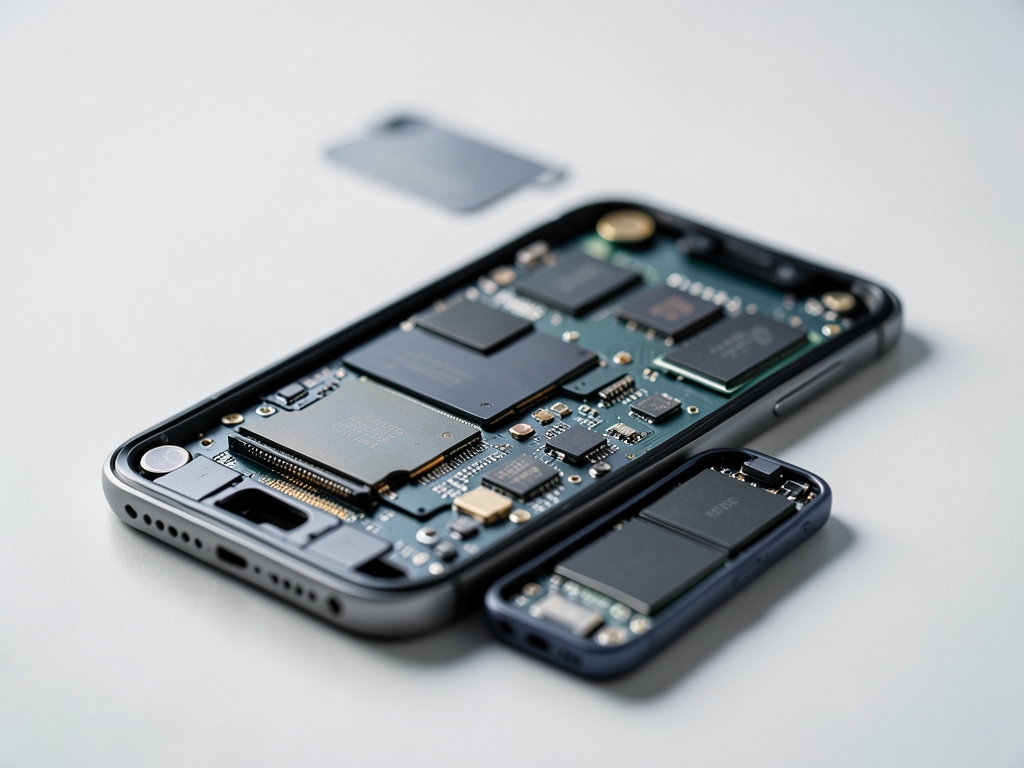
The modern smartphone has evolved into an indispensable companion, serving as a portable workstation, a high-resolution camera, a navigation hub, and an entertainment center. Despite these remarkable technological leaps, one physical component remains a perpetual bottleneck for users worldwide: the battery. As chemical energy storage technology struggles to keep pace with the power-hungry demands of multi-core processors, high-refresh-rate displays, and resource-intensive on-device artificial intelligence tasks, battery degradation has become an inevitable reality for device owners. Understanding how modern lithium-ion and lithium-polymer cells operate, recognizing the factors that accelerate wear, and adopting evidence-based maintenance practices can significantly extend the usable lifespan of your mobile device.
The Chemistry of Mobile Power: How Smartphone Batteries Degrade
To understand how to protect your smartphone battery, it is essential to comprehend the fundamental electrochemical processes occurring inside the device. Virtually all modern smartphones rely on lithium-ion (Li-ion) or lithium-polymer (Li-Po) chemistry. These energy storage systems function through the movement of lithium ions between a cathode and an anode through a liquid or gel electrolyte. When your phone discharges, ions travel from the anode to the cathode, releasing electrical energy. When you plug the device into a charger, the process is reversed, driving ions back into the anode.
Every complete charge and discharge cycle creates microscopic structural changes within these internal materials. Over time, chemical aging reduces the battery's ability to hold a full charge, leading to diminished daily endurance. While manufacturers design modern operating systems to mitigate this wear through intelligent power management and software-level charging caps, chemical degradation remains an irreversible physical process. However, environmental stressors and poor daily charging habits can drastically accelerate this degradation curve, turning a battery that should last four years into one that struggles to hold a charge after just eighteen months.
The Impact of Temperature Extremes on Lithium-Ion Cells
Temperature is arguably the single most critical environmental factor influencing smartphone battery health. Lithium-ion batteries thrive in moderate thermal ranges, typically between 16 degrees Celsius and 22 degrees Celsius. When exposed to temperatures outside this comfort zone, the internal resistance of the battery increases, leading to permanent capacity loss and, in severe cases, structural instability.
High temperatures are particularly destructive. Leaving a smartphone exposed to direct sunlight on a car dashboard, gaming intensively while fast-charging in a warm room, or using heavy navigation applications in direct heat can push internal temperatures past 35 degrees Celsius or higher. At elevated temperatures, the chemical reactions inside the cell accelerate degradation, breaking down the solid electrolyte interphase (SEI) layer and reducing the total number of usable cycles. Conversely, freezing temperatures temporarily reduce battery performance, causing rapid voltage drops that result in sudden shutdowns, though cold exposure causes less permanent chemical damage than excessive heat.
| Temperature Range | Impact on Battery Health | Recommended Action |
|---|---|---|
| 0°C to 15°C | Temporary voltage drop and reduced peak output. | Keep device in pockets during winter; avoid heavy use. |
| 16°C to 22°C | Optimal operating window for chemistry and longevity. | Ideal conditions for everyday usage and charging. |
| 23°C to 35°C | Moderate thermal stress; accelerated long-term wear. | Remove protective cases during heavy tasks; avoid direct sun. |
| Above 35°C | Severe degradation risk; permanent capacity loss. | Power down device immediately until cooled; never fast-charge in heat. |
Navigating the Myths and Realities of Fast Charging
The introduction of high-wattage fast charging has revolutionized how we power our mobile devices, allowing users to replenish a drained cell from zero to eighty percent in under thirty minutes. However, convenience often comes at a physiological cost to the battery. Fast charging forces a massive volume of electrical current into a confined space in a short window, generating significant internal heat.
Warning! Using cheap, uncertified third-party charging bricks and cables can bypass safety protocols, delivering unregulated voltage that overheats the battery and poses serious safety hazards.
To balance user convenience with longevity, modern smartphones employ sophisticated charging algorithms. Most devices utilize a two-stage charging curve: the first stage pumps maximum amperage into the battery rapidly, while the second stage tapers off the current significantly once the cell approaches eighty percent capacity. This taper is designed to minimize lithium plating and thermal stress during the final chemical saturation phase. For users who want maximum battery lifespan, utilizing standard slower chargers overnight and reserving ultra-fast chargers for daytime top-ups is a highly effective strategy.
Optimizing Software Settings to Reduce Daily Cycling
Hardware preservation goes hand in hand with intelligent software management. Every time your phone’s screen lights up or background processes sync data, electrons flow, contributing to the gradual depletion of your charge cycles. Adjusting a few key settings can dramatically reduce unnecessary battery drain:
- Manage Display Brightness and Refresh Rates: High-brightness outdoor usage and constant 120Hz refresh rates consume immense amounts of power. Enable adaptive brightness and opt for standard refresh rates when maximum smoothness is unnecessary.
- Control Background App Refresh: Restrict applications from constantly checking for updates in the background unless real-time notifications are essential for your workflow.
- Optimize Location Services: Limit continuous GPS polling to apps that strictly require precise positioning, switching secondary utilities to ask for permission only when open.
- Utilize Native Battery Protection Features: Enable built-in manufacturer settings that pause charging at 80% when the system learns your daily routine, minimizing the time spent at 100% state of charge.
Dispelling Common Charging Superstitions
The era of Nickel-Cadmium (NiCd) batteries ingrained habits in consumers that no longer apply to modern lithium-ion cells. One of the most persistent myths is the necessity of performing complete discharge cycles—letting your phone die entirely before plugging it into the wall. In reality, deep discharges place immense stress on modern lithium chemistry. Partial discharges and frequent top-ups are far healthier for maintaining structural integrity over years of use.
Info! You do not need to drain your smartphone battery to zero percent. Modern lithium-ion cells prefer remaining between 20% and 80% charge for optimal chemical stability.
Another common anxiety surrounds leaving a phone plugged in overnight. Modern smartphones are equipped with advanced power management microchips that halt current flow once the battery reaches maximum capacity, preventing overcharging. The primary concern with overnight charging is not overcharging, but rather the heat generated if the phone is trapped under a pillow or thick blanket, restricting natural thermal dissipation.
Does wireless charging degrade smartphone batteries faster than cable charging?
Wireless charging is inherently less efficient than wired charging, meaning more energy is lost as thermal heat during the induction process. Because elevated heat is the primary catalyst for chemical degradation, wireless charging can contribute to slightly faster battery wear if the phone warms up significantly during the power transfer.
Is it safe to use my smartphone while it is fast charging?
While basic tasks like reading messages or browsing the web are generally safe, engaging in heavy tasks such as 3D gaming, video rendering, or streaming high-definition content while fast charging generates severe cumulative heat. This thermal combination accelerates battery aging and can trigger thermal throttling.
What is the ideal percentage range to keep my battery charged for longevity?
Maintaining your battery charge level between 20% and 80% whenever possible minimizes the mechanical stress placed on the lithium-ion structure, significantly extending the total operational lifespan of the cell before noticeable capacity degradation occurs.
How do I know when my smartphone battery actually needs replacement?
Most modern mobile operating systems feature a built-in health indicator in the settings menu displaying maximum capacity percentage. When this figure drops below 80% or when you experience unexpected sudden shutdowns during peak performance tasks, it is usually time to service or replace the battery.
Conclusion
Smartphone battery degradation is an inevitable chemical reality, but it does not have to be an uncontrollable crisis. By understanding the profound impact of temperature extremes, adopting sensible charging habits that avoid extreme states of charge, utilizing certified power accessories, and optimizing device software settings, users can preserve peak performance for years. Treating your mobile device with thermal and electrical mindfulness ensures that your smartphone remains reliable, efficient, and fully functional throughout its entire hardware lifecycle.
