

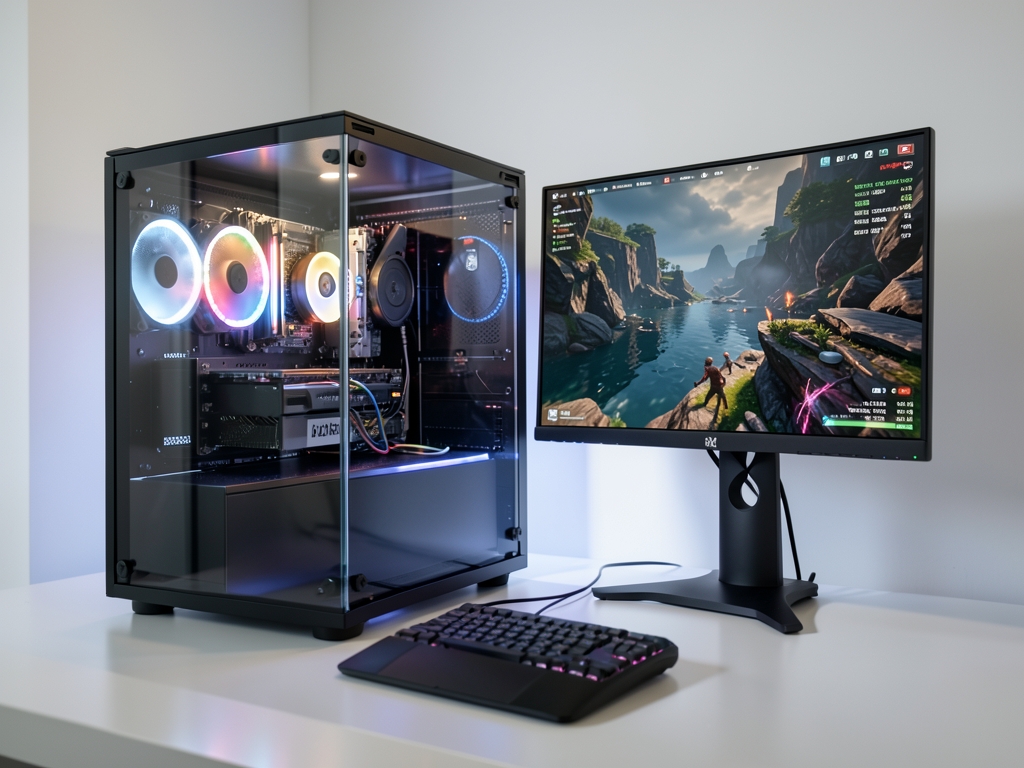
The evolution of graphics rendering technology has fundamentally changed how computer hardware longevity is measured. Historically, purchasing a graphics card meant accepting an inevitable expiration date where modern software titles would outpace the silicon's raw compute power. However, software-based reconstruction techniques and spatial upscaling algorithms have begun to rewrite this rulebook. By decoupling native rendering resolution from final output display quality, modern upscaling pipelines allow aging hardware to punch well above its original weight class, delivering playable frame rates and high fidelity in titles that would otherwise overwhelm older architecture.
Advanced image reconstruction suites have transitioned from experimental novelties into essential components of the modern graphics pipeline. As game developers target increasingly complex rendering techniques—including global illumination, ray-traced reflections, and massive open-world geometry—the demand on pixel pipelines and memory bandwidth has surged. When hardware alone cannot maintain target frame rates, intelligent upscaling steps in to bridge the gap. The announcement regarding AMD extending its latest upscaling technology to legacy graphics architectures marks a significant shift in how hardware manufacturers approach product lifecycles and customer retention in the competitive PC gaming market.
Understanding the Architectural Leap in FSR Upscaling 4.1
The introduction of newer upscaling iterations brings refined temporal stability, reduced ghosting artifacts, and cleaner edge reconstruction compared to earlier generations. Traditional upscaling methods often struggled with fast-moving particle effects, thin geometry, and complex foliage, resulting in shimmering edges and noticeable visual instability. The iterative refinement found in recent updates addresses these persistent visual defects by optimizing vector analysis and motion-estimation routines within the reconstruction algorithm.
For legacy hardware owners, the primary bottleneck has never been a lack of fundamental compute power, but rather the absence of specialized hardware acceleration blocks found in newer silicon generations. Newer architectures often feature dedicated matrix units or machine learning accelerators designed to handle complex algorithmic tasks with minimal performance overhead. By optimizing the code path to execute efficiently across varying instruction sets, developers can bring advanced reconstruction benefits to GPUs that lack these dedicated hardware blocks without triggering catastrophic performance penalties.
Key Technical Enhancements in the Latest Update
- Improved Temporal Reconstruction: Minimizes shimmering and pixel jitter across fast-moving camera pans and complex game geometry.
- Optimized Instruction Overhead: Reduces the computational burden on older stream processors, allowing the GPU to allocate more resources to core rendering tasks.
- Enhanced Edge Definition: Preserves fine details on distant objects, character hair, and UI overlays without introducing heavy sharpening artifacts.
- Scalable Quality Presets: Offers finely tuned scaling ratios ranging from ultra-performance to native-like quality modes, ensuring adaptable performance scaling.
Expanding Compatibility to Legacy Radeon Hardware
The decision to bring advanced software features to older hardware generations represents a welcome departure from planned obsolescence. Many users retain their graphics cards across multiple hardware generations, relying on periodic driver optimization and software enhancements to maintain system relevance. When a manufacturer invests engineering resources into backporting complex rendering features to legacy processors, it extends the useful life of thousands of existing systems currently deployed in the wild.
Owners of older graphics architectures often face difficult upgrade decisions as new gaming titles demand higher baseline specifications. While hardware upgrades remain the ultimate solution for extreme performance demands, software optimization acts as a crucial bridge. By lowering the effective barrier to entry for demanding visual features, users can defer costly hardware purchases while still enjoying contemporary software releases at acceptable visual fidelity and smooth frame rates.
Software-driven optimization transforms the economics of PC gaming, allowing legacy hardware owners to experience modern rendering improvements without immediate financial investments in new silicon.
Analyzing Performance Gains Across Different Resolution Tiers
The real-world benefit of advanced upscaling varies significantly depending on the target output resolution and the specific workload demanded by individual games. At 1080p output, aggressive upscaling modes can sometimes introduce slight blurring due to the limited pixel density available for reconstruction algorithms to sample. However, at 1440p and 4K resolutions, the surplus of source pixels provides the algorithm with adequate data to reconstruct fine details accurately while delivering dramatic frame rate improvements.
| Resolution Tier | Average Native Frame Rate | Upscaled Frame Rate (Quality Mode) | Estimated Performance Gain |
|---|---|---|---|
| 1920x1080 (1080p) | 45 FPS | 68 FPS | Approx. 51% |
| 2560x1440 (1440p) | 32 FPS | 54 FPS | Approx. 68% |
| 3840x2160 (4K) | 18 FPS | 39 FPS | Approx. 116% |
Info! Performance gains depend heavily on individual system configurations, CPU limitations, and specific game engine implementations. Users should test multiple quality presets to find the optimal balance between visual clarity and frame rate stability.
Practical Implementation and Configuration Best Practices
Configuring advanced upscaling features correctly requires a balanced approach to in-game graphics settings. Simply enabling the feature without adjusting baseline parameters can sometimes yield suboptimal visual results. Users should first establish a stable base resolution and ensure that vertical synchronization and motion blur settings complement the upscaler's temporal filters rather than fighting against them.
- Update your system graphics drivers to the latest official release version supporting the updated feature set.
- Launch your chosen application or game title and navigate to the graphics or display configuration menu.
- Locate the resolution scaling or upscaling option and select the appropriate technology profile.
- Choose a quality preset based on your target resolution—Quality mode for 1440p and below, Balanced or Performance mode strictly for 4K workloads.
- Adjust the sharpness slider incrementally to offset any minor softness introduced by the reconstruction filter.
Gamers should also monitor video memory allocation when running higher resolution textures alongside upscaling algorithms. While upscaling reduces compute load on the shading units, texture assets still consume significant frame buffer capacity. Running out of VRAM can trigger stuttering that no software upscaler can completely eliminate.
The Broader Impact on the PC Hardware Ecosystem
The broader implications of backporting advanced rendering features extend far beyond individual gaming rigs. In an era marked by fluctuating hardware costs and environmental consciousness, maximizing the operational lifespan of existing electronics aligns with sustainable technology practices. Extending hardware relevance reduces electronic waste and provides breathing room for consumers navigating broader economic pressures.
Furthermore, this trend encourages developers to build scalable software architectures that do not unnecessarily lock out users with slightly older hardware profiles. When software ecosystems remain inclusive, software adoption rates climb, creating a healthier market for both independent developers and major AAA studios alike. As competition in the graphics technology space intensifies, consumers ultimately benefit from ongoing software innovation that honors past hardware investments.
Which older graphics cards are supported by the updated upscaling technology?
Support is generally extended to previous-generation architectures and select legacy series, provided the hardware runs on compatible driver versions and meets baseline instruction-set requirements.
Will enabling this feature degrade overall image quality?
When configured correctly using appropriate quality presets for your target resolution, the visual compromise is minimal while delivering substantial frame rate improvements.
Do I need a special driver update to access these enhancements?
Yes, accessing the latest features requires installing the official driver package that specifically includes the expanded algorithm support and optimization profiles.
Can this technology replace the need for a hardware upgrade entirely?
While software optimization significantly extends hardware longevity, extreme performance demands in future software titles will eventually necessitate physical hardware upgrades.
Ultimately, the continuous refinement of software-based rendering solutions demonstrates that innovation is not restricted to new silicon manufacturing nodes alone. By breathing new life into established hardware, technology companies can deliver immediate, tangible value to their entire user base, ensuring a more dynamic and resilient computing ecosystem for all participants.
