

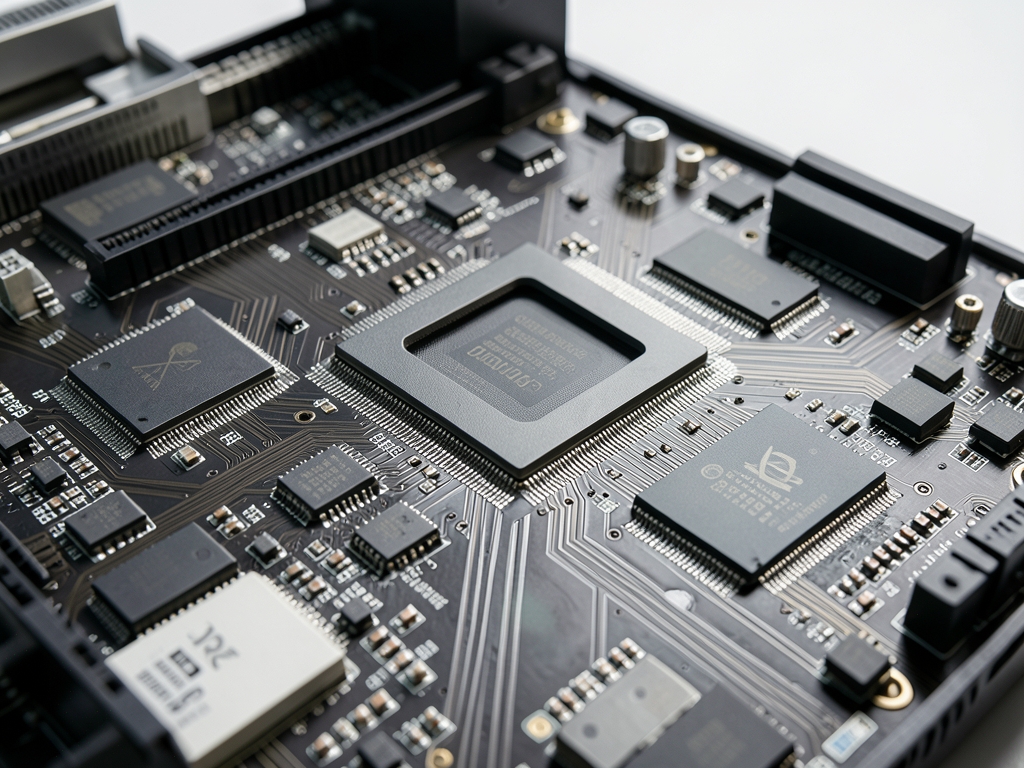
The modern computing landscape has evolved far beyond the traditional single-processor model. When users configure a new desktop computer, laptop, or mobile workstation today, hardware specifications routinely list three distinct types of processors: the Central Processing Unit (CPU), the Graphics Processing Unit (GPU), and the Neural Processing Unit (NPU). Each of these silicon components performs specialized computational tasks that together dictate overall system speed, energy efficiency, and capability in handling intensive software workloads.
Understanding how these processors interact is essential for anyone purchasing new technology or optimizing software performance. While early computing relied almost exclusively on the central processor to execute every instruction sequentially, modern applications demand specialized architectures capable of parallel execution and dedicated artificial intelligence acceleration. This comprehensive guide examines the distinct roles, architectural differences, and practical applications of CPUs, GPUs, and NPUs in contemporary computing systems.
The Central Processing Unit: The General-Purpose Brain
The Central Processing Unit remains the fundamental core of any computer system. Often described as the brain of the computer, the CPU is engineered for general-purpose computing tasks. It excels at sequential processing, handling complex control logic, managing operating system operations, and executing instructions from standard applications with high single-threaded performance.
A typical CPU consists of a small number of powerful processing cores—ranging from four to twenty-four or more in modern consumer silicon—alongside large cache memories designed to minimize data retrieval latency. Because standard software applications require rapid decision-making, branching instructions, and constant context switching, the CPU's ability to process tasks quickly and sequentially makes it irreplaceable.
Key responsibilities of a modern CPU include:
- Managing the operating system kernel and background system services
- Executing application logic, file management, and user interface responsiveness
- Handling compilation tasks, data parsing, and general input-output operations
- Coordinating data transfer between system memory, storage drives, and peripheral expansion cards
Despite its versatility, the CPU is fundamentally limited when confronted with massive parallel workloads. Trying to render millions of polygons simultaneously or train complex machine learning models using only CPU cores results in severe computational bottlenecks.
The Graphics Processing Unit: Masters of Parallel Computation
Originally developed to accelerate computer graphics and render three-dimensional video game environments, the Graphics Processing Unit introduced a revolutionary architectural philosophy: massive parallelism. Unlike a CPU, which prioritizes raw single-core speed, a GPU contains thousands of smaller, simpler execution cores designed to process thousands of independent mathematical operations simultaneously.
This parallel processing capability made GPUs indispensable far beyond gaming. When scientific researchers, video editors, and financial modelers required massive matrix multiplication power, the GPU emerged as the primary hardware accelerator. Today, GPUs form the backbone of modern data centers, powering complex simulations, high-resolution video rendering, and foundational artificial intelligence training pipelines.
The structural advantage of a GPU lies in its design efficiency for repetitive data tasks. While a CPU must manage intricate decision trees, a GPU distributes an identical computational task across thousands of arithmetic logic units, completing massive datasets in a fraction of the time.
The Neural Processing Unit: Dedicated Silicon for Artificial Intelligence
As artificial intelligence, large language models, and on-device machine learning algorithms permeate modern software, a third processor has emerged as a standard fixture in consumer and enterprise hardware: the Neural Processing Unit. Also referred to as an AI accelerator, the NPU is purpose-built to handle the specific mathematical operations underpinning neural networks.
Neural networks rely heavily on matrix multiplications, tensor operations, and vector processing. While GPUs can execute these calculations effectively, they consume significant electrical power and generate substantial heat. NPUs are engineered specifically to execute these repetitive AI algorithms with extreme energy efficiency, making them ideal for mobile devices, laptops, and edge computing environments where battery life and thermal constraints are paramount.
Common tasks managed by an NPU include:
- Real-time voice recognition, audio isolation, and natural language processing
- Computer vision tasks, facial recognition, and automated video background blurring
- Predictive text generation, local AI assistant queries, and smart image editing tools
- Enhanced security monitoring and behavioral analysis directly on local hardware
By offloading these specialized tasks from the CPU and GPU, the NPU ensures that computers can run advanced artificial intelligence features locally without draining device batteries or degrading overall system performance.
Comparing Processor Architectures
| Processor Type | Primary Strength | Core Architecture | Ideal Use Cases |
|---|---|---|---|
| CPU | Sequential logic and single-threaded speed | Few powerful cores with large caches | Operating system management, general apps, application logic |
| GPU | Massive parallel execution | Thousands of specialized arithmetic cores | Video rendering, 3D gaming, scientific simulation, AI training |
| NPU | Energy-efficient matrix and tensor math | Optimized matrix multiplication pipelines | Local AI inference, voice processing, computer vision |
Evaluating these three architectures side by side clarifies why modern computers integrate all three components. No single processor is universally optimal for every workload. System performance depends entirely on how efficiently the operating system routes specific tasks to the most suitable hardware accelerator.
How Operating Systems Route Workloads
Modern operating systems, including Windows, macOS, and Linux, feature sophisticated task schedulers designed to distribute computing workloads dynamically across the CPU, GPU, and NPU. When a user launches a standard text editor, the task scheduler assigns execution threads directly to the CPU cores. When the user opens a high-end video game or 3D modeling suite, heavy rendering threads are automatically offloaded to the dedicated GPU.
Similarly, when an application initiates a local AI request—such as summarizing a document or generating an image preview—the operating system routes the tensor operations directly to the NPU. This heterogeneous computing model maximizes hardware efficiency, reduces thermal throttling, and ensures that the computer delivers optimal responsiveness across diverse application demands.
Info! Heterogeneous computing allows modern devices to combine CPU, GPU, and NPU architectures into a single unified system-on-chip, maximizing power efficiency and processing speed.
Choosing the Right Hardware for Your Needs
When purchasing a new computer, understanding your specific workflow dictates which processor specifications matter most. Users focused on general office productivity, web browsing, and document editing will benefit most from a powerful CPU with strong single-core performance and ample RAM. Gamers, video producers, and 3D artists require a robust, high-performance GPU with dedicated video memory.
Conversely, professionals and everyday users looking to leverage local artificial intelligence tools, advanced dictation features, and automated productivity software should prioritize systems equipped with a modern NPU that meets or exceeds current industry performance benchmarks. As software increasingly integrates on-device AI capabilities, the NPU has transitioned from a specialized enterprise feature into an essential component of mainstream consumer computing.
What is the primary difference between a CPU and a GPU?
A CPU is designed for general-purpose, sequential computing tasks using a small number of powerful cores, whereas a GPU utilizes thousands of smaller cores to execute massive parallel calculations simultaneously, making it ideal for graphics rendering and data processing.
Why do modern computers need a dedicated NPU?
An NPU is specifically engineered to handle artificial intelligence and machine learning workloads with high energy efficiency. By running neural network calculations locally, it preserves battery life and prevents system slowdowns.
Can an NPU replace a GPU in a gaming computer?
No. NPUs are optimized for specific tensor and matrix math related to AI inference, whereas gaming requires the intensive rasterization, ray tracing, and geometry processing capabilities of a dedicated GPU.
How do I know if my computer has an NPU?
You can check your system specifications through your operating system's device manager or system settings under processor details. Modern processors from major manufacturers often include integrated AI acceleration hardware explicitly listed in their technical specifications.
As computing technology continues to advance, the synergy between CPUs, GPUs, and NPUs will deepen. Future software will rely even more heavily on distributed processing architectures, ensuring that every hardware component contributes to faster, smarter, and more energy-efficient digital experiences.
