

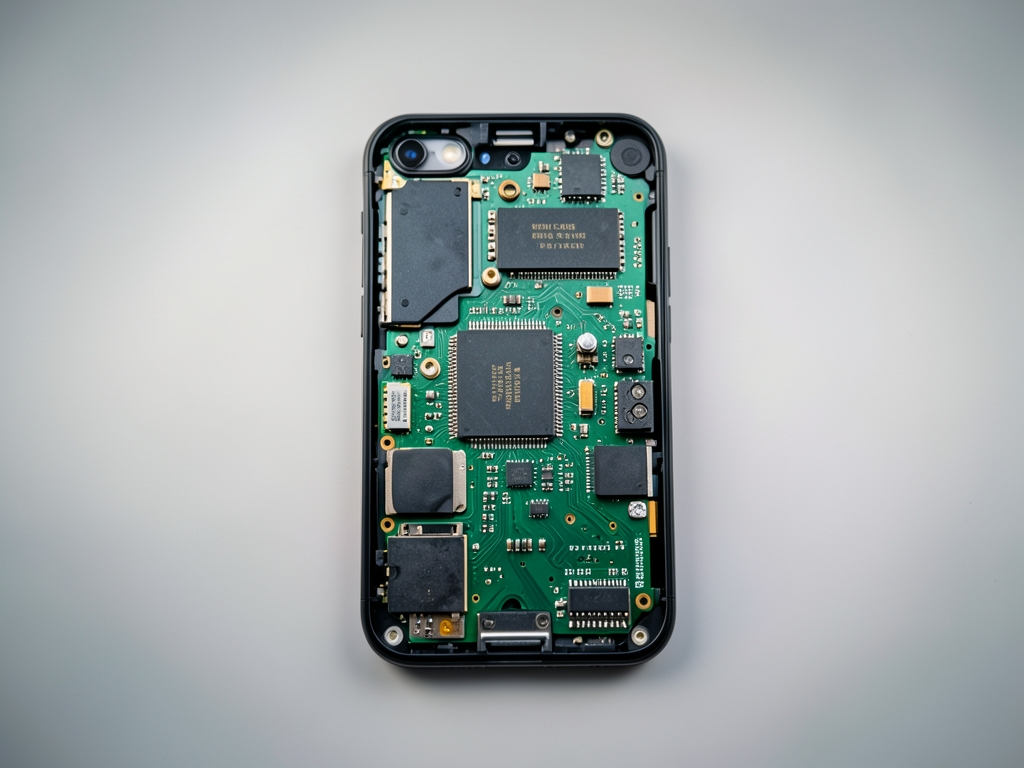
Mobile devices have become indispensable tools in our daily lives, accompanying us through work, navigation, communication, and entertainment. Yet, few frustrations match the sudden, unexpected plummet of a smartphone battery percentage. You might look down at your screen, notice a healthy fifty percent charge remaining, and moments later—perhaps after opening a demanding camera application or stepping out into cold weather—watch in disbelief as the indicator tumbles to single digits or the device shuts down entirely. Understanding the underlying mechanisms behind these erratic power drops helps users diagnose hardware degradation, manage software triggers, and adopt practical habits that extend device longevity.
Lithium-ion batteries power nearly all modern smartphones. These electrochemical cells offer high energy density, rapid recharge capabilities, and a low self-discharge rate compared to older nickel-cadmium technologies. However, lithium-ion chemistry is inherently sensitive to environmental conditions, aging processes, and power draw spikes. When a phone experiences a sudden drop in battery percentage, it is rarely a random occurrence. Instead, it is usually the result of voltage sag under heavy load, temperature extremes disrupting chemical reactions, miscalibrated operating system sensors, or advanced physical wear within the internal cells.
The Role of Internal Resistance and Voltage Sag
To understand why a battery percentage can drop abruptly, one must examine how smartphones measure remaining energy. Unlike a simple fuel tank that can be physically measured by volume, a smartphone operating system estimates remaining battery life by continuously monitoring battery voltage. As a lithium-ion cell discharges, its terminal voltage gradually decreases. The device software maps this voltage curve to a percentage scale running from one hundred down to zero.
However, voltage does not decline in a perfectly linear fashion. As batteries age, internal chemical resistance increases. When a user launches a processor-intensive task—such as recording a 4K video, playing a graphically demanding mobile game, or running complex artificial intelligence workflows—the hardware demands a sudden surge of electrical current. This high current draw forces the battery's internal voltage to drop temporarily due to internal resistance. This phenomenon is known as voltage sag.
If the voltage sags below a critical safety threshold required to keep the processor and memory stable, the phone's power management integrated circuit panics. To prevent unexpected data corruption or hardware crashes, the operating system immediately intervenes, either by throttling performance or by aggressively cutting power and shutting down the device. When the phone is restarted, the software re-reads the resting voltage, which has now rebounded slightly, resulting in a drastically lower percentage reading than what was displayed moments before.
Temperature Extremes and Chemical Kinetics
Environmental temperature exerts a profound influence on smartphone battery performance. Lithium-ion batteries rely on liquid or gel electrolytes to facilitate the movement of lithium ions between the anode and cathode. The chemical reactions that generate electricity depend heavily on thermal energy.
Warning! Exposing your smartphone to freezing outdoor temperatures or leaving it inside a hot vehicle in direct sunlight can permanently diminish maximum battery capacity and trigger sudden shutdowns.
When a phone is exposed to cold weather—typically below freezing—the internal chemical kinetics slow down significantly. Internal resistance spikes, restricting the flow of ions and causing voltage levels to collapse under minimal load. This explains why a phone that appeared to have adequate charge indoors can shut down within minutes during outdoor winter activities. Conversely, excessive heat accelerates unwanted side reactions inside the cell, degrading the electrolyte structure and causing permanent capacity loss over time.
Software Calibration and State-of-Charge Drift
Sometimes the physical battery is entirely healthy, but the operating system's software estimation is out of sync. Smartphones rely on algorithms to calculate the state of charge. Over months of partial charging cycles—such as plugging the phone in for twenty minutes here and there without ever reaching a full charge—the software's internal counter can drift.
When this drift occurs, the operating system loses its accurate reference points for zero percent and one hundred percent. As a result, the reported percentage may hover stubbornly at a high number before plunging rapidly as the true physical capacity is reached. Recalibrating the battery periodically helps restore alignment between the software readout and the actual physical energy remaining inside the cell.
Practical Strategies to Prevent Sudden Power Drops
While chemical aging is an inevitable physical reality for all rechargeable batteries, users can adopt several proactive measures to minimize erratic power behavior and protect device health:
- Avoid using resource-intensive applications while the smartphone is exposed to direct sunlight or extreme cold.
- Enable optimized charging features provided by modern mobile operating systems to reduce stress during overnight charging cycles.
- Refrain from letting the battery drain completely to zero percent on a regular basis, as deep discharges place heavy electrochemical stress on lithium-ion cells.
- Identify and restrict background applications that cause persistent CPU wake locks and abnormal thermal generation.
If a device continues to experience sudden shutdowns despite running updated software and avoiding temperature extremes, the underlying cause is likely advanced physical degradation. Over years of use, the microscopic structure of the battery electrodes degrades, reducing the total amount of lithium ions that can participate in reversible reactions. When degradation reaches this stage, software optimizations can no longer compensate, and replacing the physical battery unit is the only effective remedy.
Evaluating Battery Health Indicators
Modern mobile operating systems for both Android and iOS include dedicated diagnostic tools designed to report maximum battery capacity relative to when the device was new. Monitoring these metrics provides valuable foresight into when performance throttling or unexpected shutdowns might begin to occur.
| Battery Health Percentage | Operational Status | Recommended Action |
|---|---|---|
| 80% to 100% | Optimal chemical capacity with normal voltage stability. | No action required; maintain good charging habits. |
| 70% to 79% | Moderate wear; occasional voltage sag under peak load. | Monitor thermal exposure and avoid heavy gaming on low charge. |
| Below 70% | Advanced degradation; frequent shutdowns likely. | Schedule a professional battery replacement service. |
Understanding the interplay between chemical resistance, thermal dynamics, and software calibration empowers users to take better care of their mobile devices. By recognizing the early warning signs of battery stress and adopting sensible maintenance routines, you can ensure reliable daily performance and avoid the inconvenience of unexpected power failures.
Why does my phone battery drop quickly in cold weather?
Cold temperatures slow down the chemical reactions inside lithium-ion batteries and increase internal resistance. This causes voltage levels to sag rapidly under load, tricking the phone's software into reporting a sudden drop in percentage or shutting down entirely to protect the hardware.
Can software updates fix sudden battery percentage drops?
Yes, if the issue stems from software calibration errors or inefficient background power management. Manufacturers frequently release system updates that refine battery estimation algorithms and optimize thermal control, though software cannot reverse physical chemical aging in worn-out cells.
How can I recalibrate my smartphone battery?
To recalibrate, let your phone discharge naturally until it turns off completely. Then charge it uninterrupted to one hundred percent while the device remains powered off or idle, allowing the operating system to reset its internal state-of-charge reference points.
Does wireless charging cause faster battery degradation?
Wireless charging generates more ambient heat compared to wired charging due to energy transfer inefficiencies. Because excessive heat accelerates lithium-ion chemical degradation, frequent wireless charging can contribute to slightly faster long-term battery wear.
As smartphone hardware continues to evolve with advanced power management features and intelligent charging protocols, understanding the fundamental science of mobile power sources remains essential for every user seeking maximum longevity from their devices.
